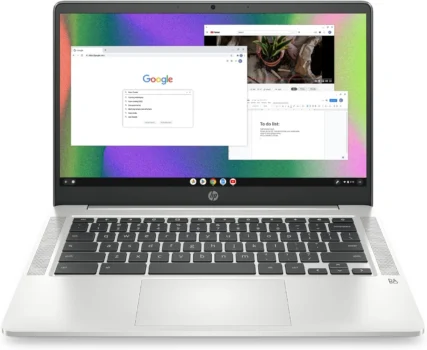

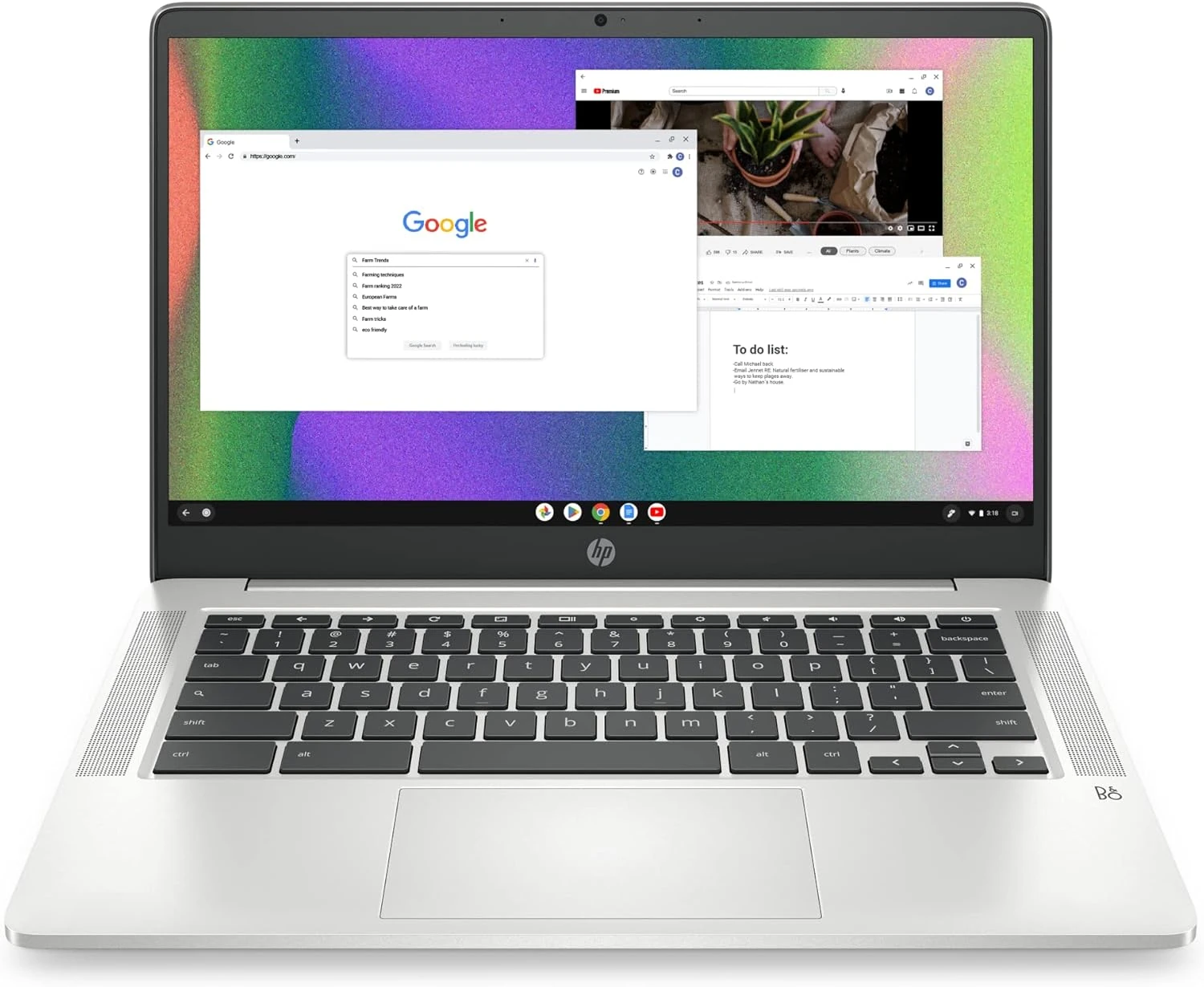
Intel Celeron N4120 quad-core processor for basic computing needs
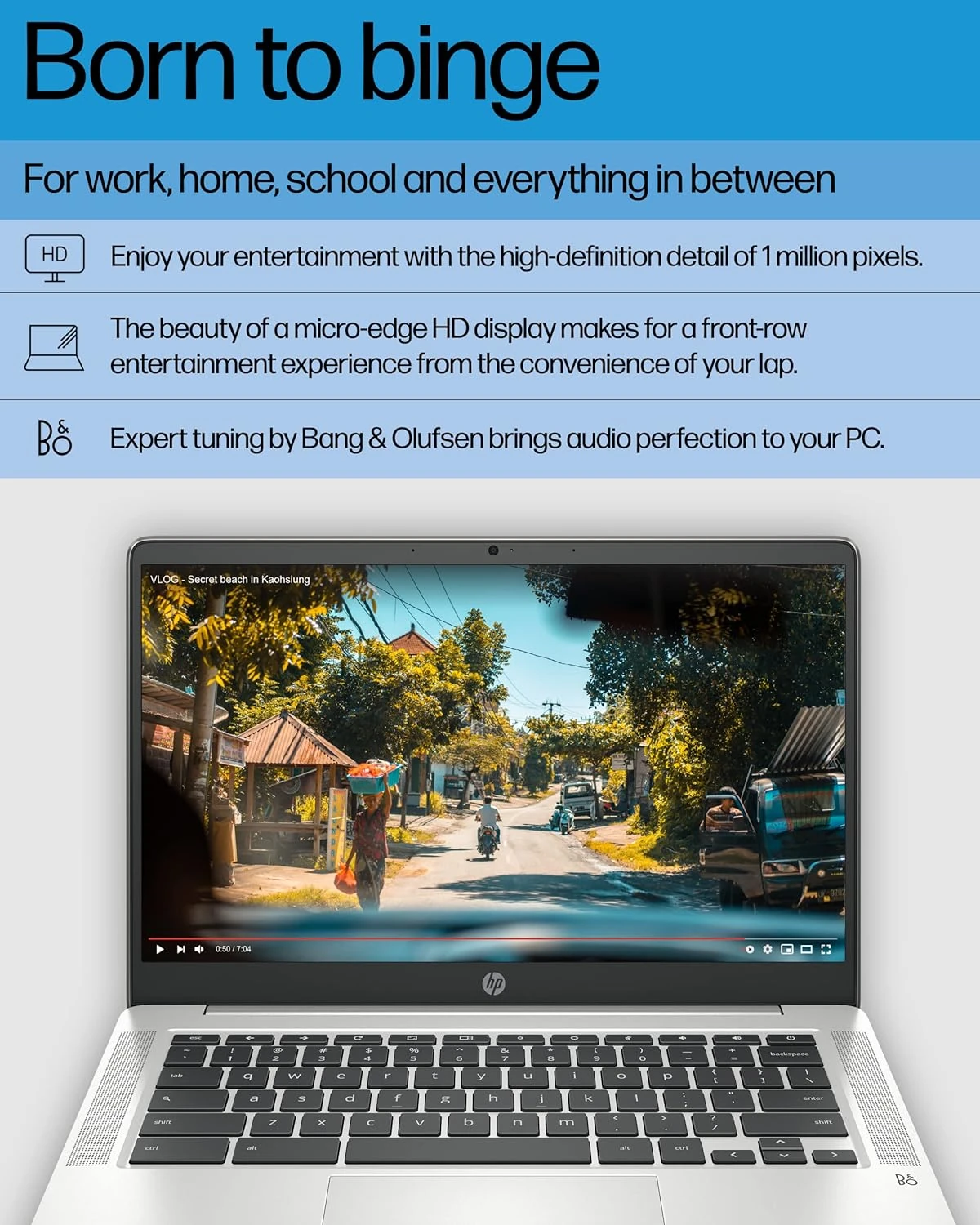
14-inch HD anti-glare display, ideal for web browsing and streaming
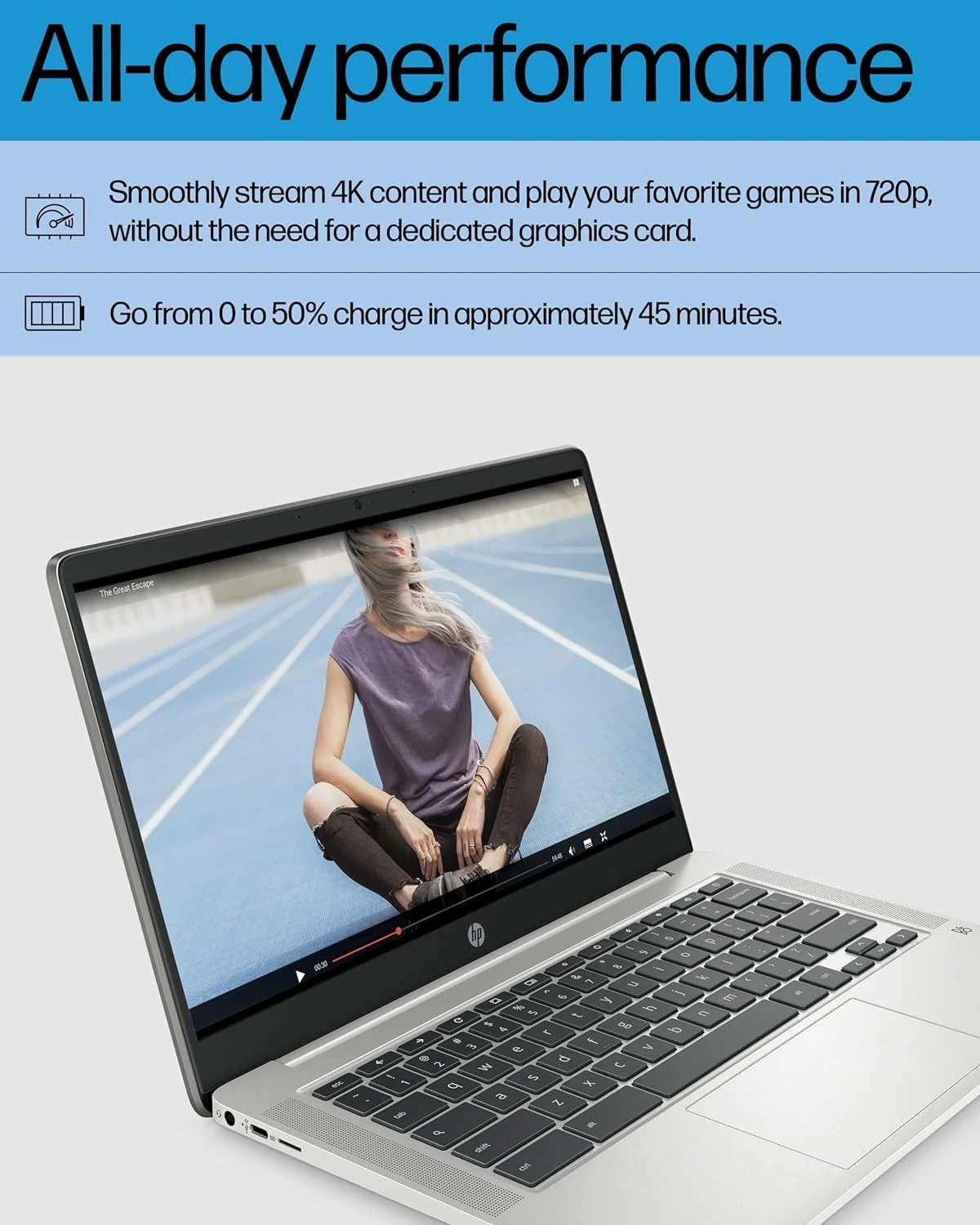
Up to 14 hours of battery life for all-day use
Should You Buy This Product?
✅ Buy it if:
- you need an affordable laptop primarily for web browsing, streaming, and basic productivity
- you're a student managing online classes and assignments without heavy software requirements
- you want all-day battery life for travel or remote work in coffee shops
- you prefer Chrome OS's quick boot times and automatic security updates
🚫 Avoid it if:
- you need to run demanding applications or specialized desktop software
- you regularly multitask with many browser tabs or memory-intensive tasks
- you require significant local storage for large files or offline work
- you want crisp, high-resolution display quality for detailed visual work
Bottom Line
Best for students and casual users who need reliable web-based computing on a tight budget. Skip it if you need powerful multitasking or specialized software beyond Chrome OS.
What We Love & What to Watch Out For
- 14-hour battery life means you can work all day without hunting for power outlets
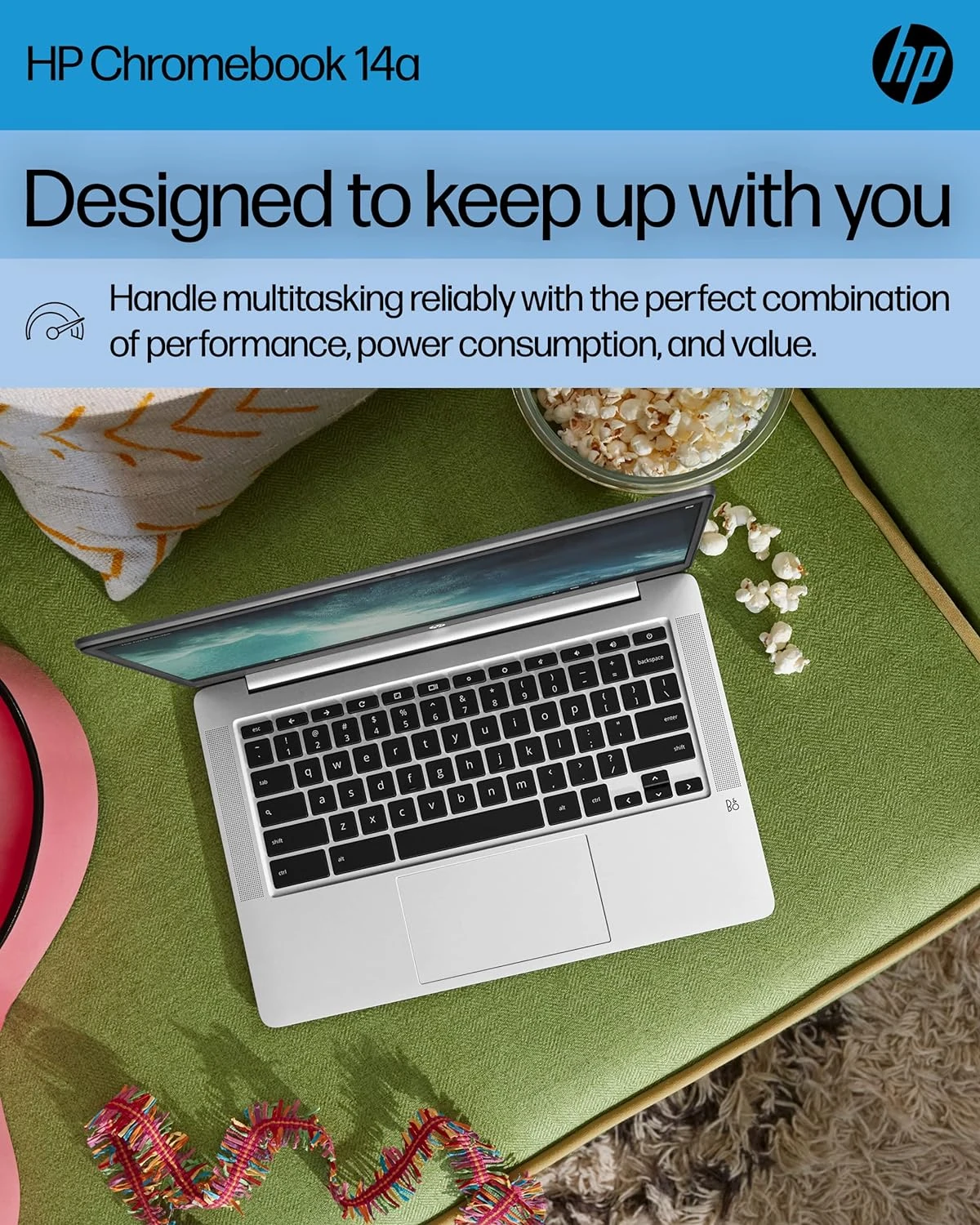
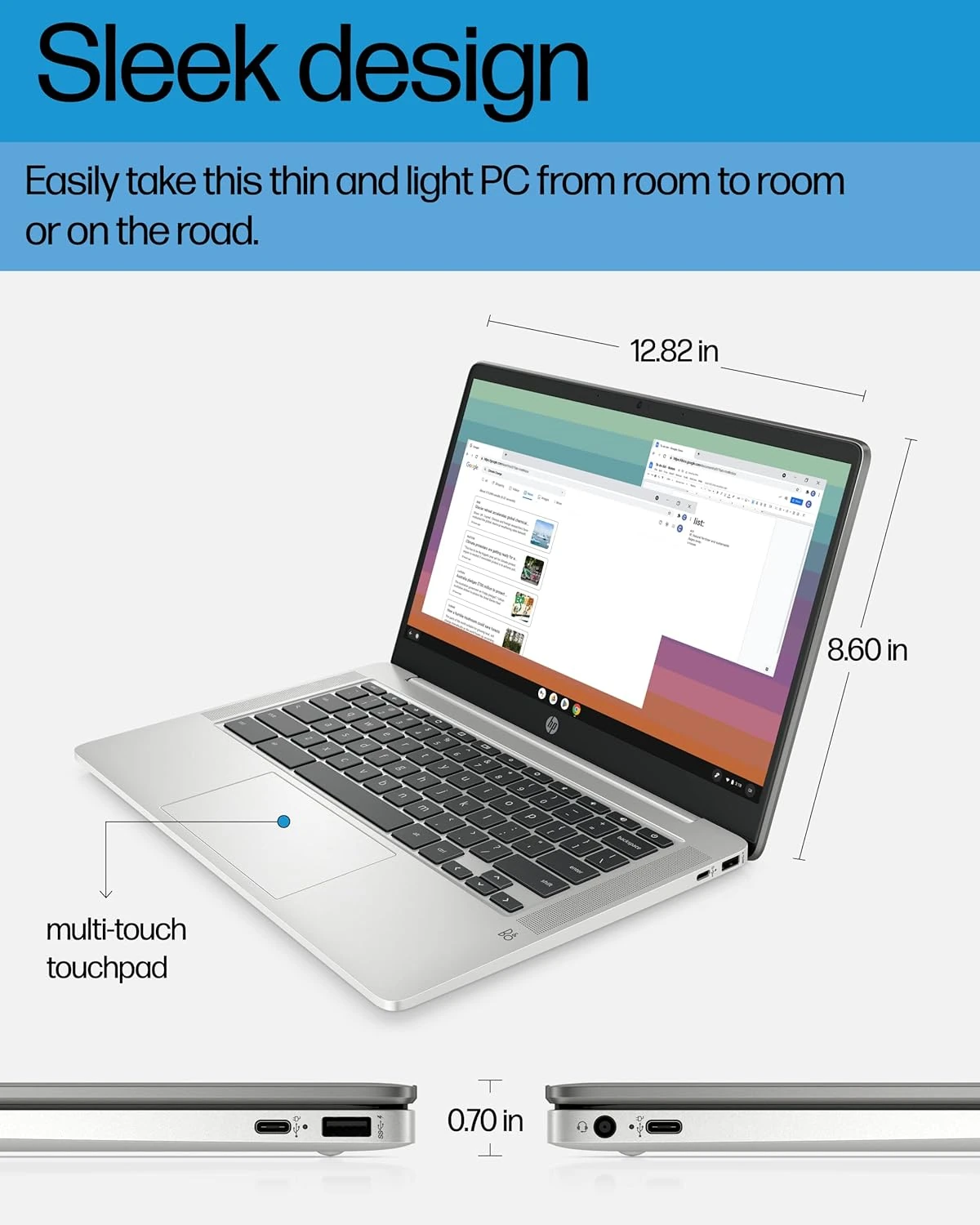
- Lightweight design makes it easy to carry between classes or coffee shops
- Affordable price point relative to core functionality.
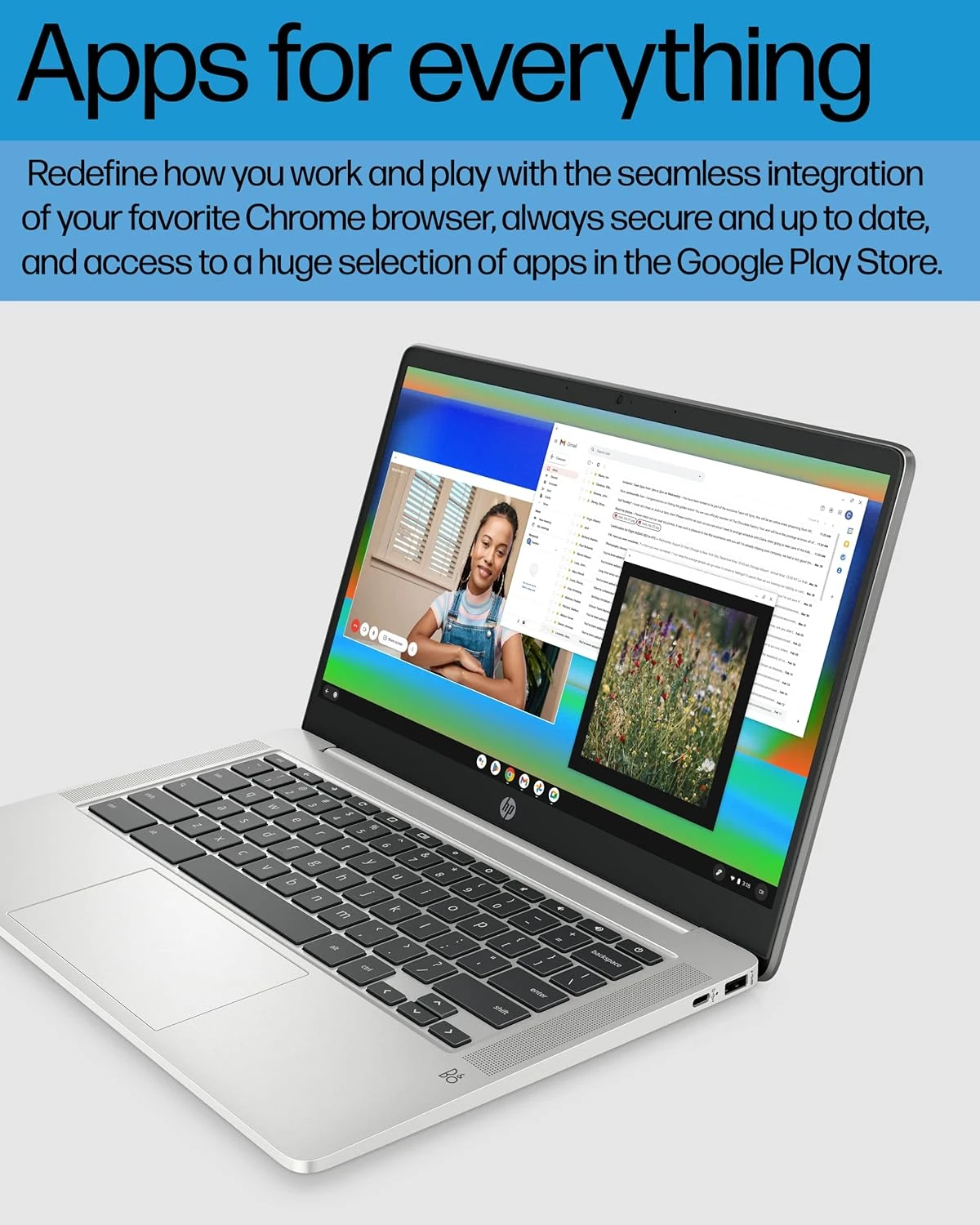
- Chrome OS boots in seconds and handles security updates automatically
- 4GB RAM and 64GB storage limit how many tabs you can run and files you can store locally
- 1366 x 768 display lacks the sharpness you'd expect from higher-end laptops
- Some users experience occasional unexpected shutdowns during extended use
- Entry-level processor struggles with demanding applications or any gaming beyond basic web games
One of the most affordable 14-hour battery laptops available — especially for users who can work entirely within Chrome OS.
How People Actually Use It
College lecture hall: taking notes in Google Docs, researching assignments, and streaming educational videos — all on a single charge
Living room productivity: checking email, managing family calendars, and streaming Netflix while the kids do homework nearby
Airport layover: catching up on work emails, video calls with colleagues, and browsing travel updates without worrying about battery drain
Editor Score
Use-case Fit — How well this product matches its intended use case and target user.
Market Satisfaction — Based on aggregated customer ratings and review sentiment on Amazon.
Market Momentum — Reflects recent sales trend via BSR (Best Seller Rank). See the chart below.
Market Rank Trend (BSR)
Product Gallery
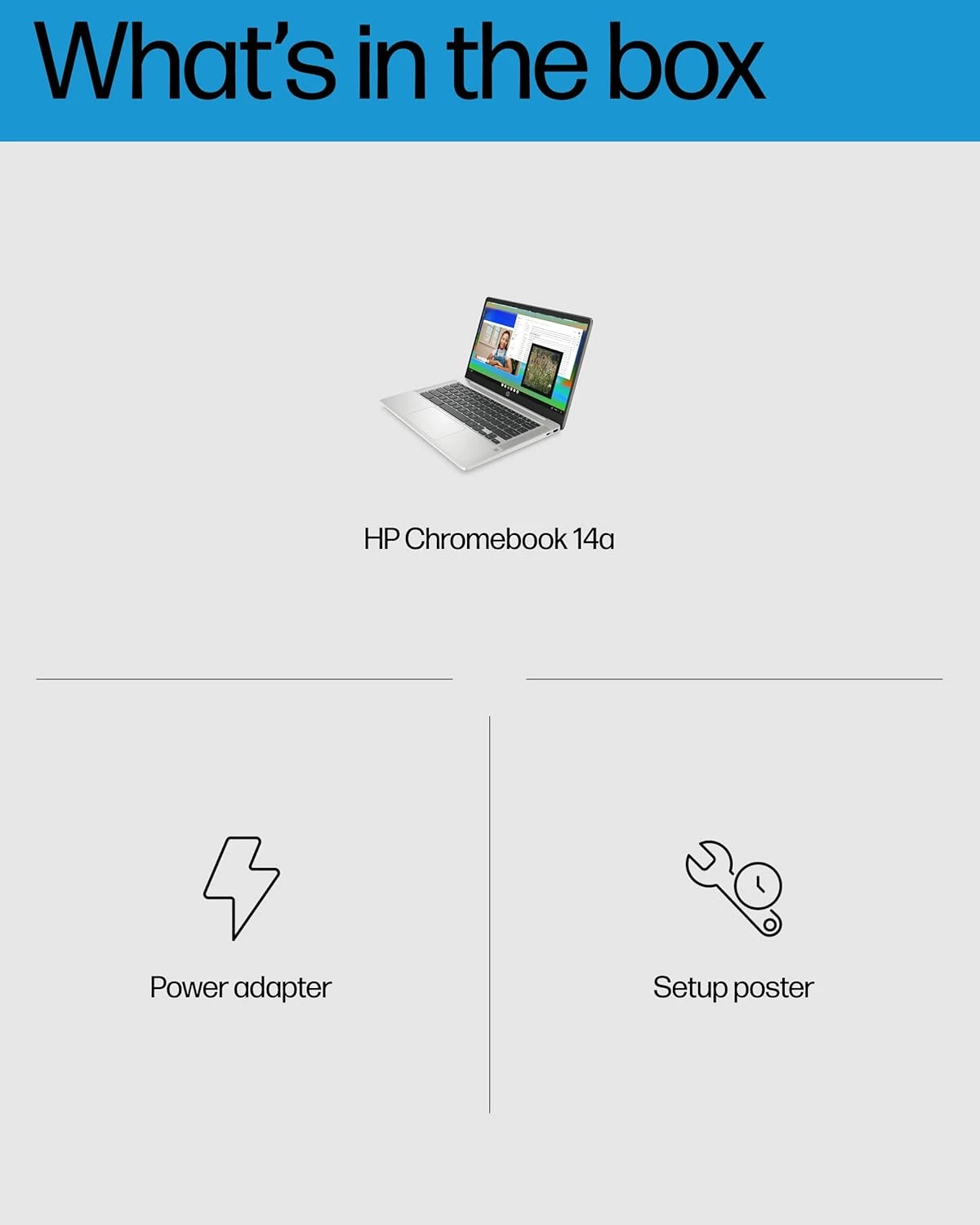


Specifications Overview
- Processor: Intel Celeron N4120, 1.1 GHz
- RAM: 4 GB
- Storage: 64 GB eMMC
- Screen Size: 14 Inches
- Resolution: 1366 x 768 pixels
- Display Type: micro-edge, anti-glare
- Refresh Rate: 60 Hz
- Battery Life: 14 Hours
- Operating System: Chrome OS
- Graphics: Intel UHD Graphics 600
Price Comparison
The HP Chromebook 14 is available from multiple retailers, allowing buyers to compare pricing and shipping benefits.
Amazon
Price: $178.99
Free shipping with Prime. Easy returns within 30 days. Secure payment options.
CHECK THE LATEST PRICE ON AMAZONNot Sure? Consider These Instead
Several alternatives offer different balances of performance, display size, and storage for users considering options beyond the HP Chromebook 14.
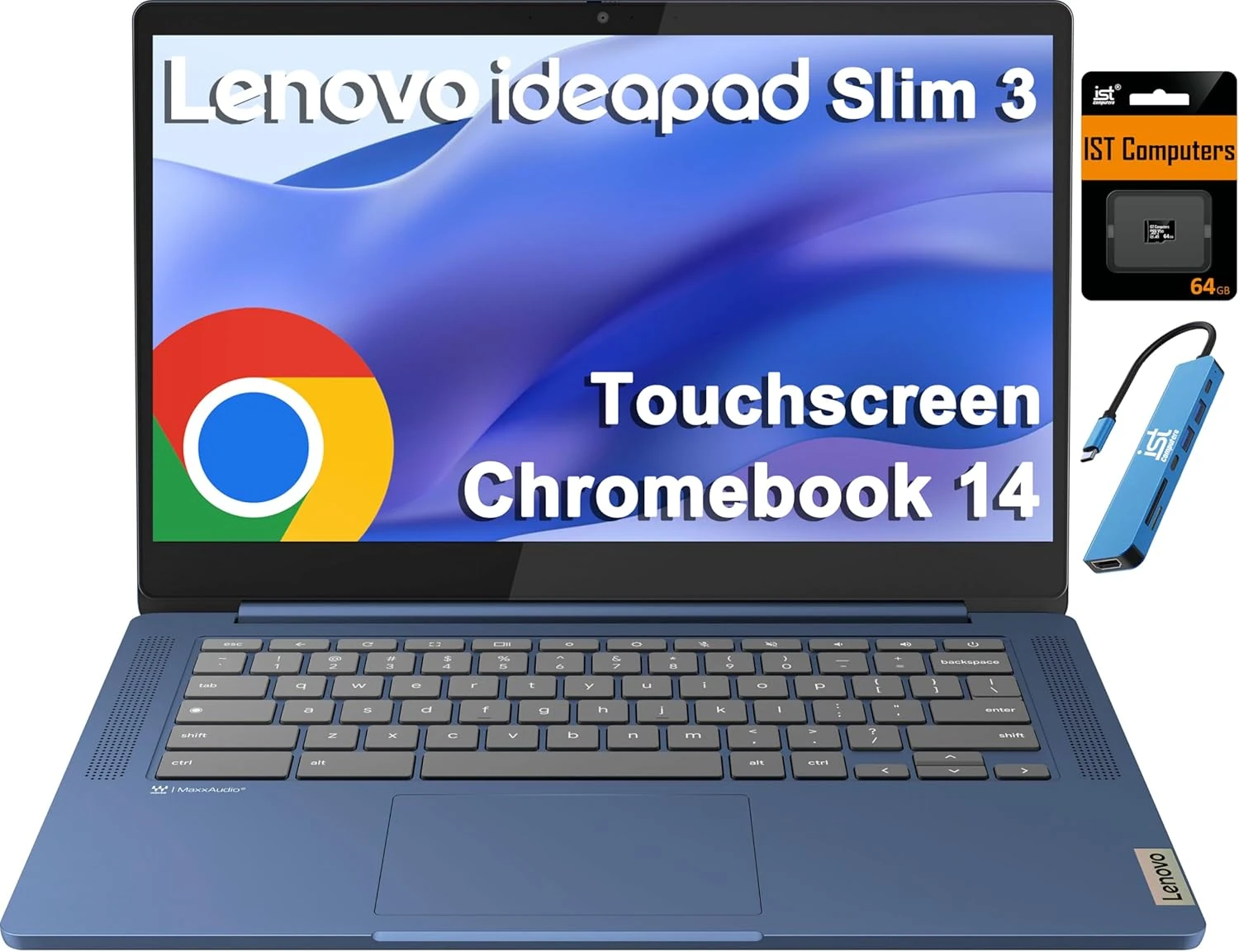
Lenovo IdeaPad Slim 3 Chromebook
Key highlights- Processor: MediaTek Kompanio 520, 2.0 GHz
- RAM: 4 GB
- Storage: 64 GB eMMC + 64 GB SD Card
- Screen Size: 14 Inches
The Lenovo IdeaPad Slim 3 Chromebook provides similar basic computing capabilities with a comparable screen size and storage, making it a direct alternative for budget-conscious users seeking Chrome OS functionality.
Learn More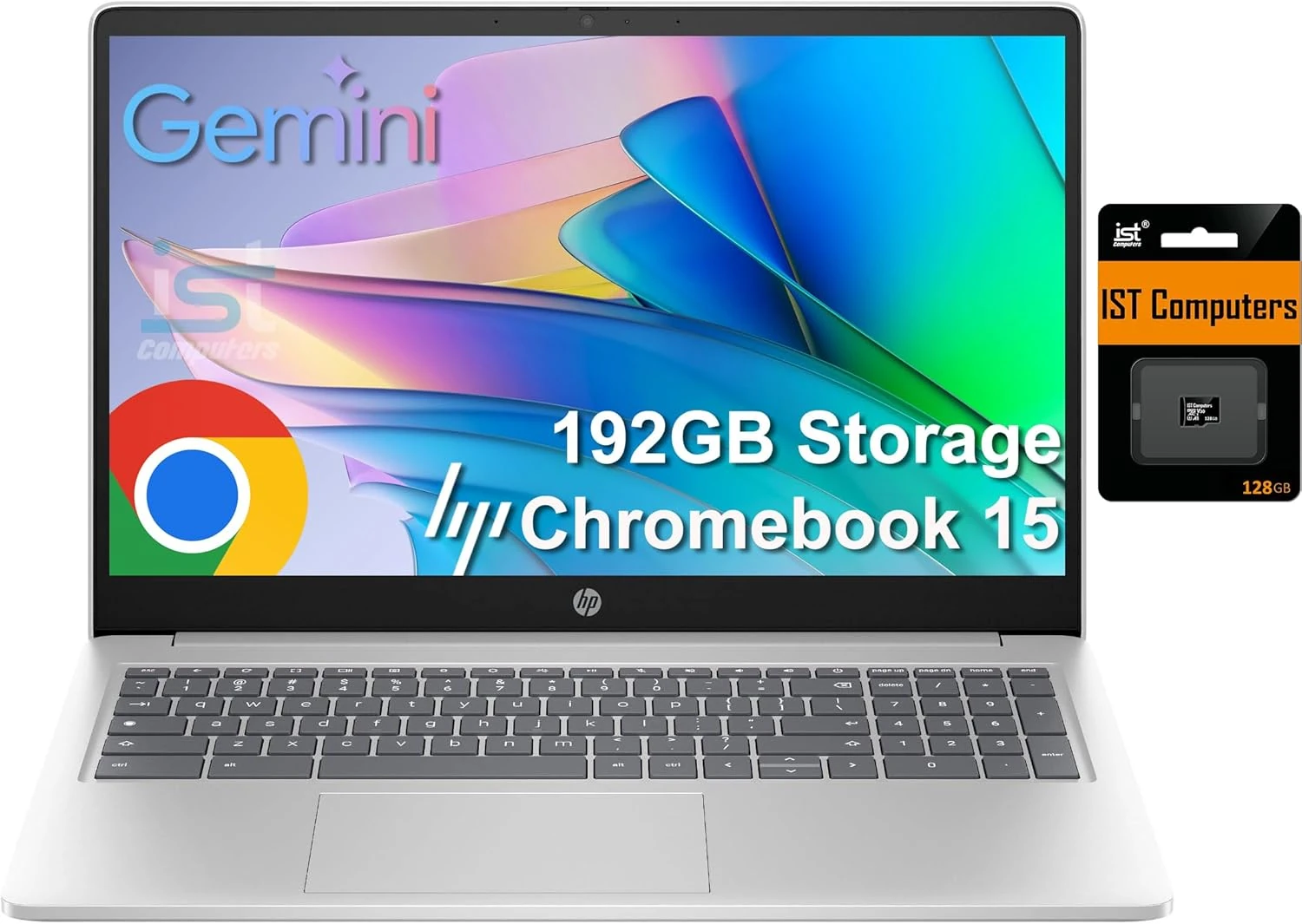
HP Chromebook 15
Key highlights- Processor: Intel N200, 4-Core
- RAM: 8 GB DDR5
- Storage: 192 GB (64GB eMMC + 128GB SD)
- Screen Size: 15.6 Inches
The HP Chromebook 15 offers a larger display, more RAM, and increased storage, making it better suited for users who require more multitasking capability and screen real estate while remaining in the Chromebook ecosystem.
Learn More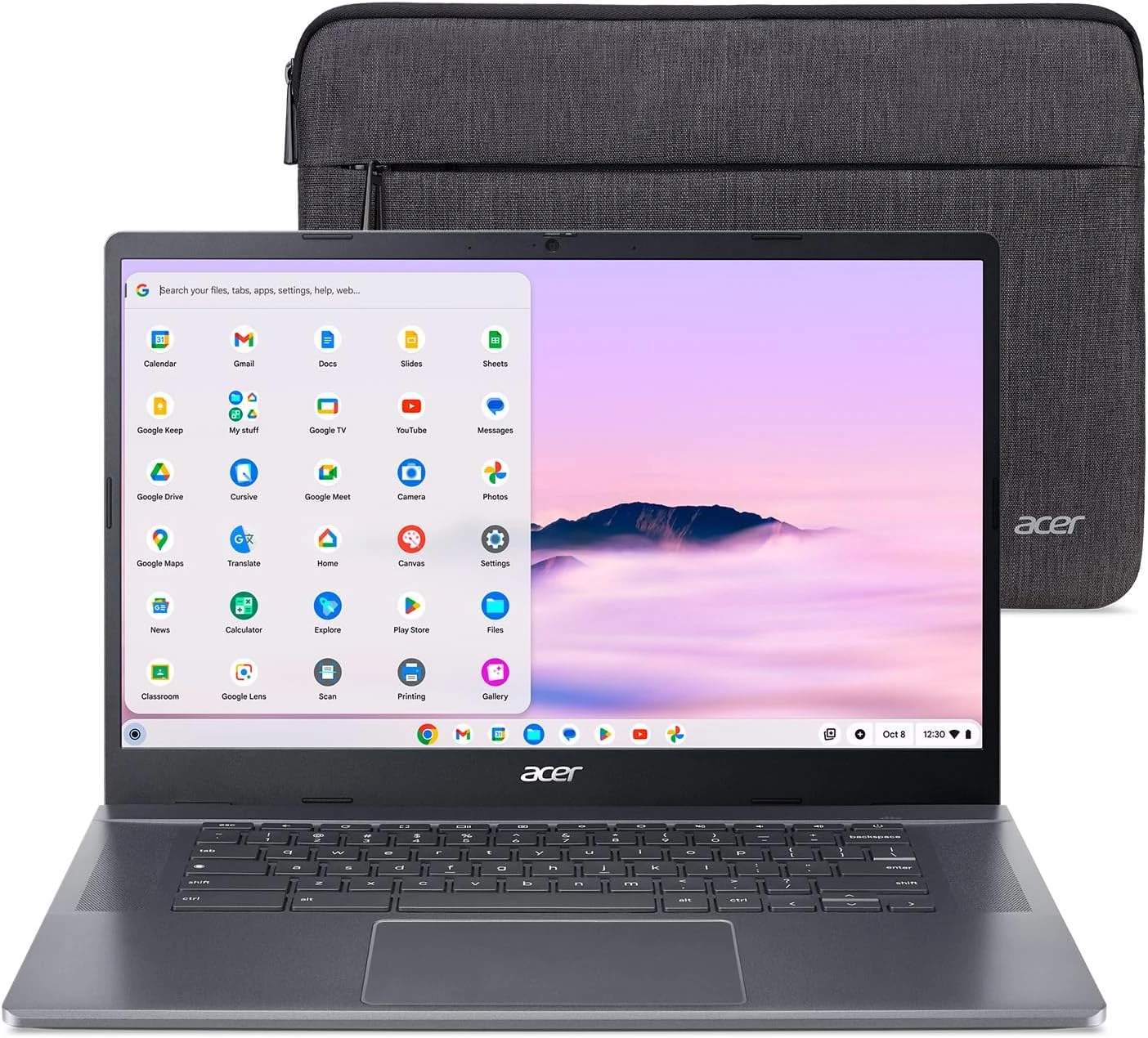
Acer Chromebook Plus 515
Key highlights- Processor: Intel Core i3-1305U
- RAM: 8 GB LPDDR5X
- Storage: 256 GB SSD
- Screen Size: 15.6 Inches
The Acer Chromebook Plus 515 targets users needing higher performance, more storage, and a larger Full HD display, at a higher price point, making it suitable for heavier multitasking or productivity within Chrome OS.
Learn MoreFrequently Asked Questions
How long does the HP Chromebook 14 battery last during typical use?
The HP Chromebook 14 is reported to provide up to 14 hours of battery life, which supports all-day usage for web browsing and productivity.
Can the HP Chromebook 14 handle multitasking or running multiple applications?
With 4GB of RAM and an entry-level processor, the HP Chromebook 14 is best suited for light multitasking and basic web-based applications, but may struggle with heavier workloads or multiple demanding tabs.
Final Recommendation
The HP Chromebook 14 delivers exactly what budget-conscious users need for web-based computing and basic productivity.
While the 4GB RAM and entry-level processor limit multitasking capabilities, it handles everyday Chrome OS tasks reliably.
For students and casual users ready to embrace cloud-based computing, this represents solid value in the sub-$200 laptop market.