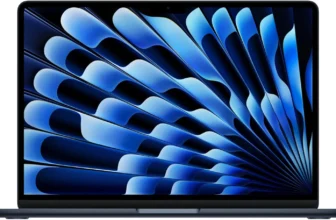
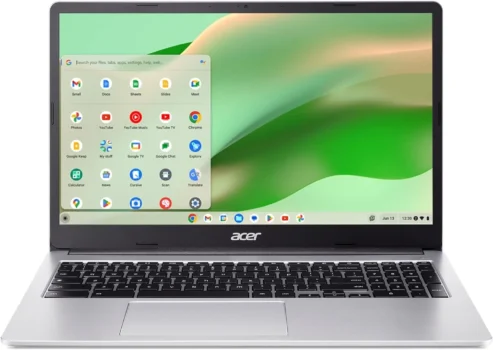

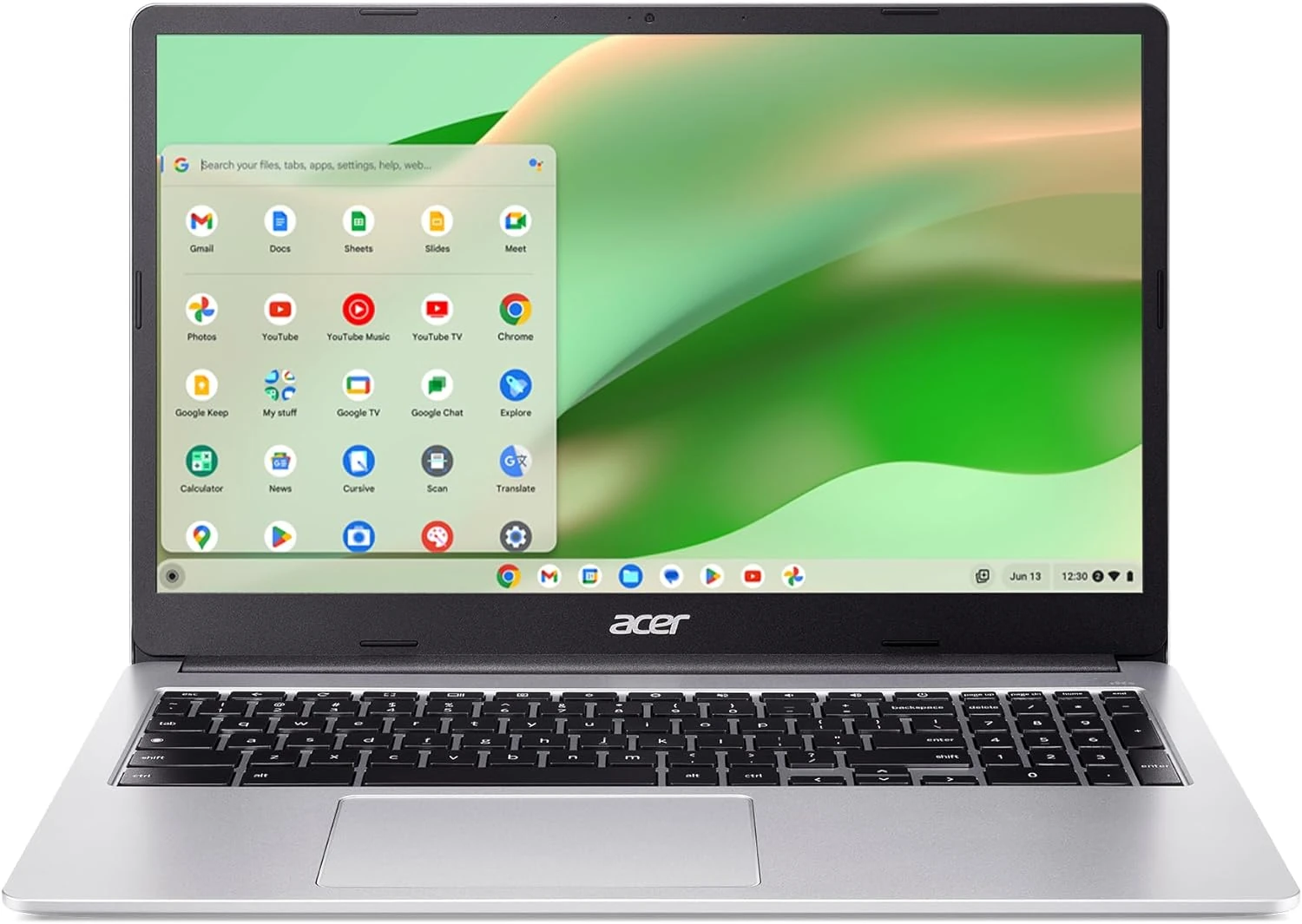
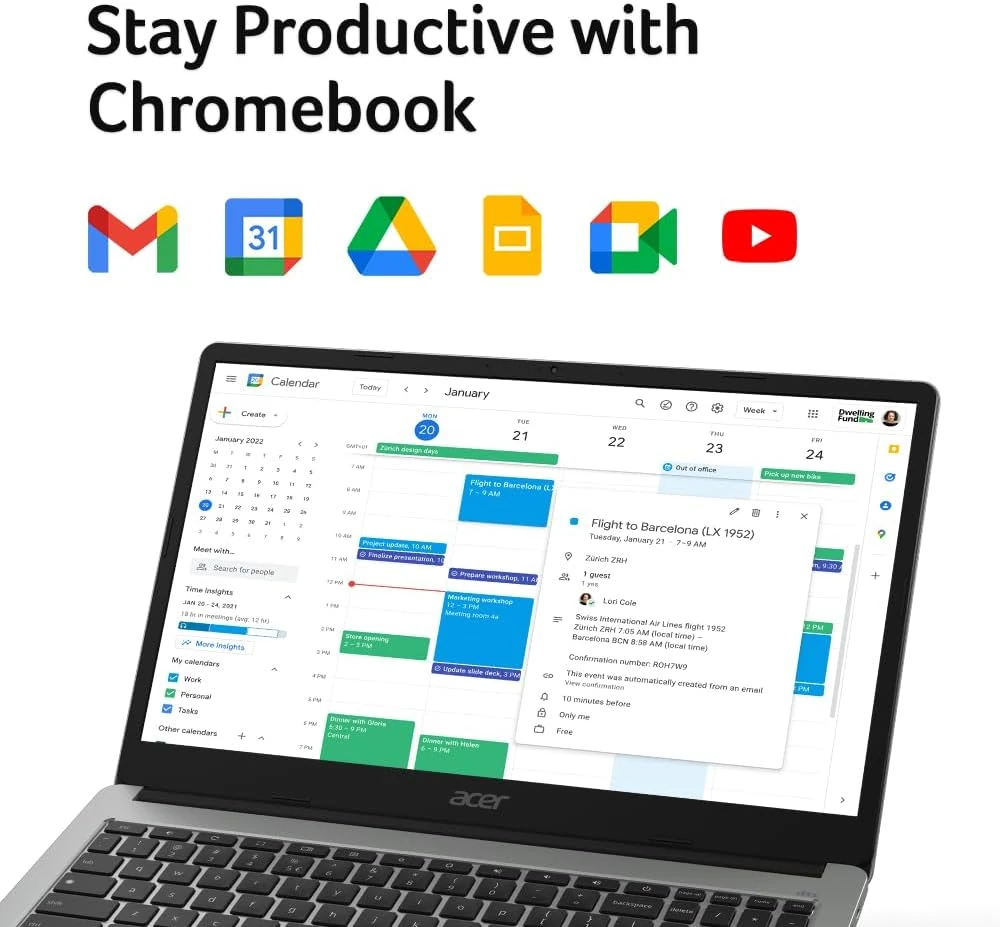
Runs on Chrome OS with quick boot and easy setup
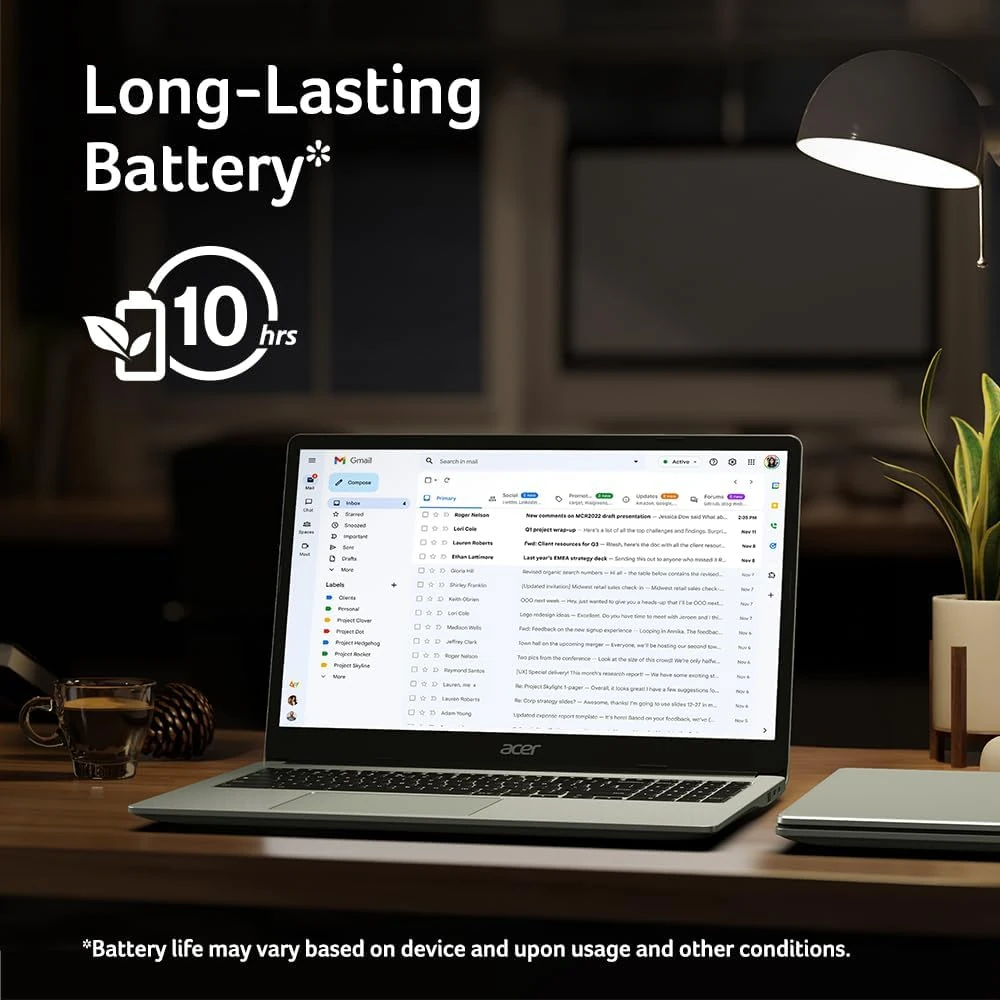
Offers up to 10 hours of battery life for extended use
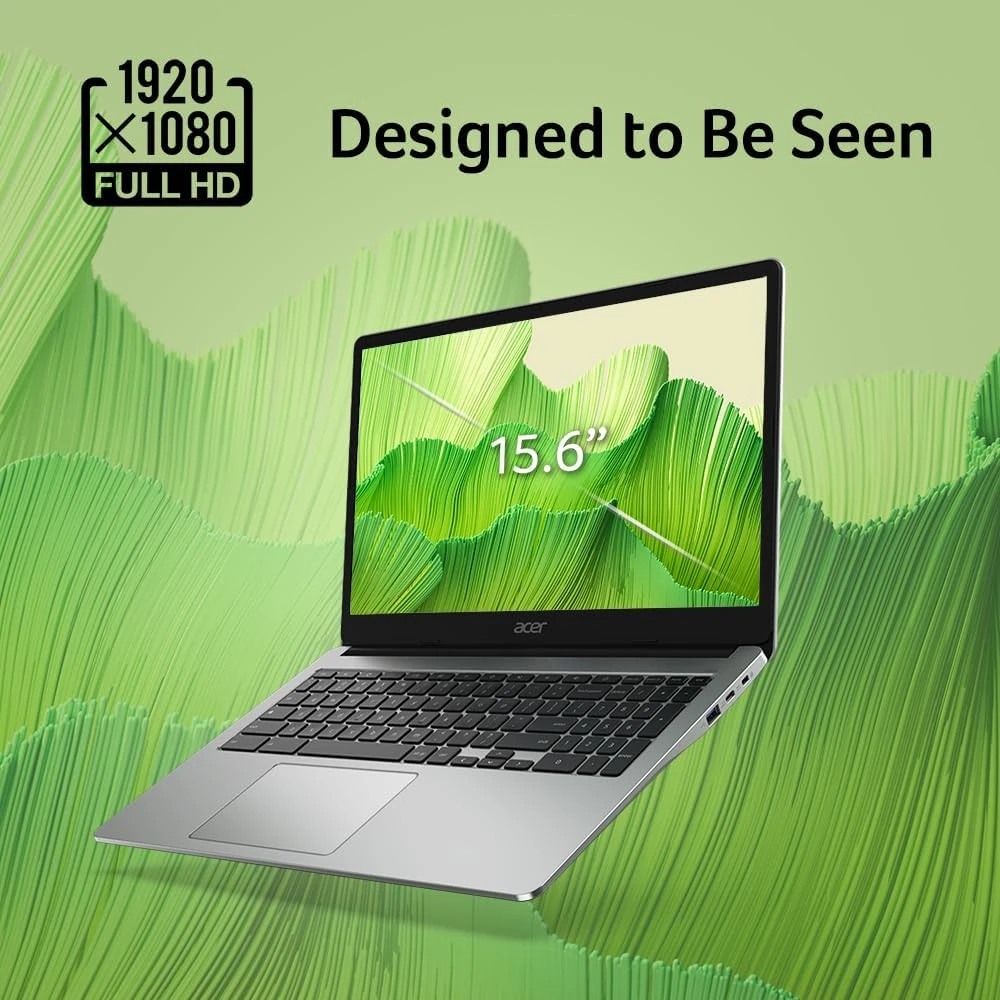
Lightweight 3.5 lbs design with Full HD IPS display
Should You Buy This Product?
✅ Buy it if:
- you need an affordable laptop primarily for online classes, web browsing, and Google Workspace
- you want a lightweight secondary device for travel or casual home use
- you prioritize simplicity and long battery life over high-end performance
🚫 Avoid it if:
- you need to run multiple demanding applications simultaneously
- you expect premium audio-visual quality for entertainment or professional work
- you require extensive local storage or advanced port connectivity
Bottom Line
Solid choice for students and casual users who need basic computing at a budget price. Skip it if you multitask heavily or need premium display quality.
What We Love & What to Watch Out For
- Boots up in seconds and requires minimal technical setup — perfect for non-tech users
- At 3.5 lbs, easily fits in backpacks without adding bulk to your daily carry
- 10-hour battery life means full school days or work sessions without hunting for outlets
- Affordable price point relative to competitors in the same category
- Slows down noticeably when running multiple browser tabs or apps simultaneously
- Speakers lack depth and screen quality falls short of expectations for media viewing
- Google Play Store connectivity issues can limit app installation options
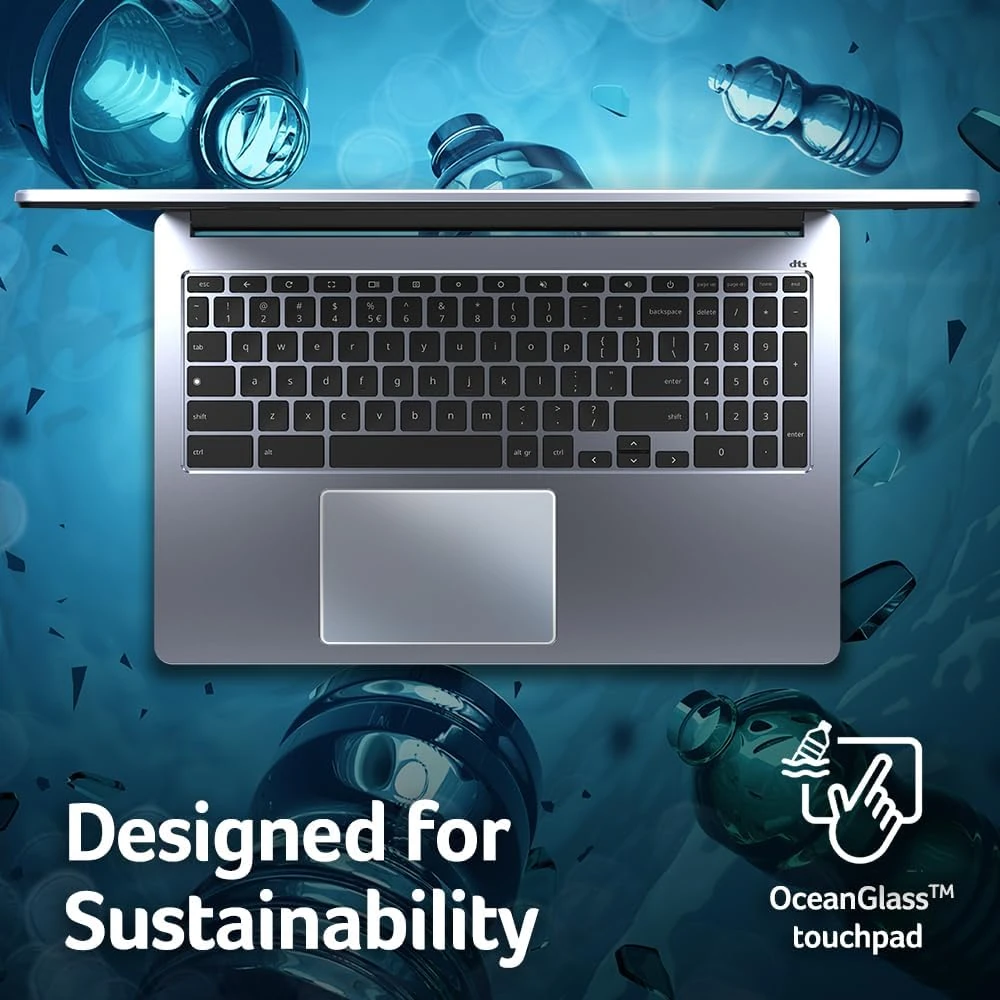
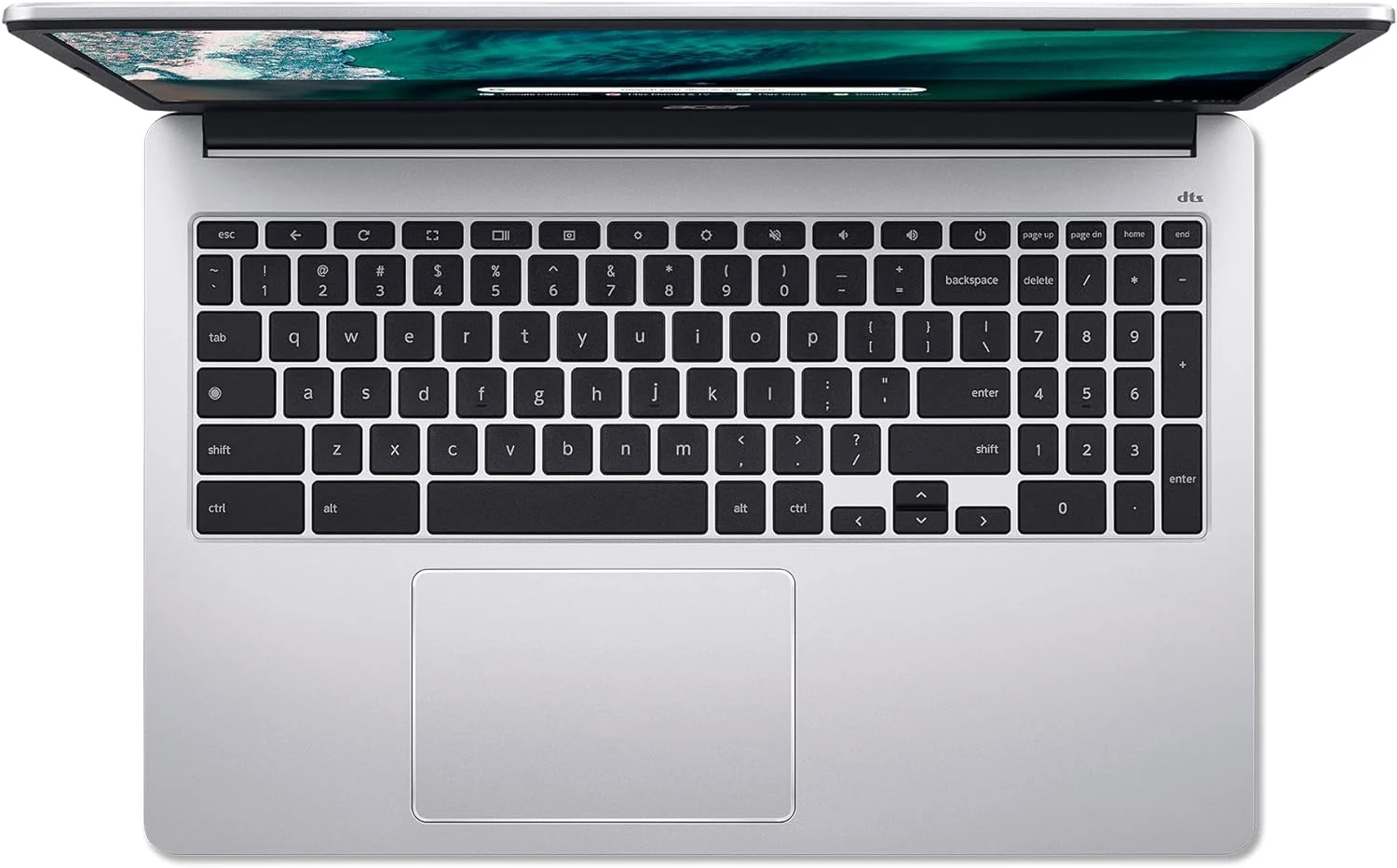
- No backlit keyboard for low-light typing and limited options for storage expansion
One of the most affordable 15.6″ Chromebooks with 10-hour battery life — ideal for users who'd otherwise struggle to find decent performance under $200.
How People Actually Use It
Zoom classes from your dorm room: taking notes in Google Docs while streaming the lecture, with battery lasting through back-to-back sessions
Coffee shop work sessions: checking emails, light document editing, and web research without needing to find a power outlet
Evening Netflix streaming: watching shows on the couch, though you'll want headphones for better audio quality
Editor Score
Use-case Fit — How well this product matches its intended use case and target user.
Market Satisfaction — Based on aggregated customer ratings and review sentiment on Amazon.
Market Momentum — Reflects recent sales trend via BSR (Best Seller Rank). See the chart below.
Market Rank Trend (BSR)
Product Gallery

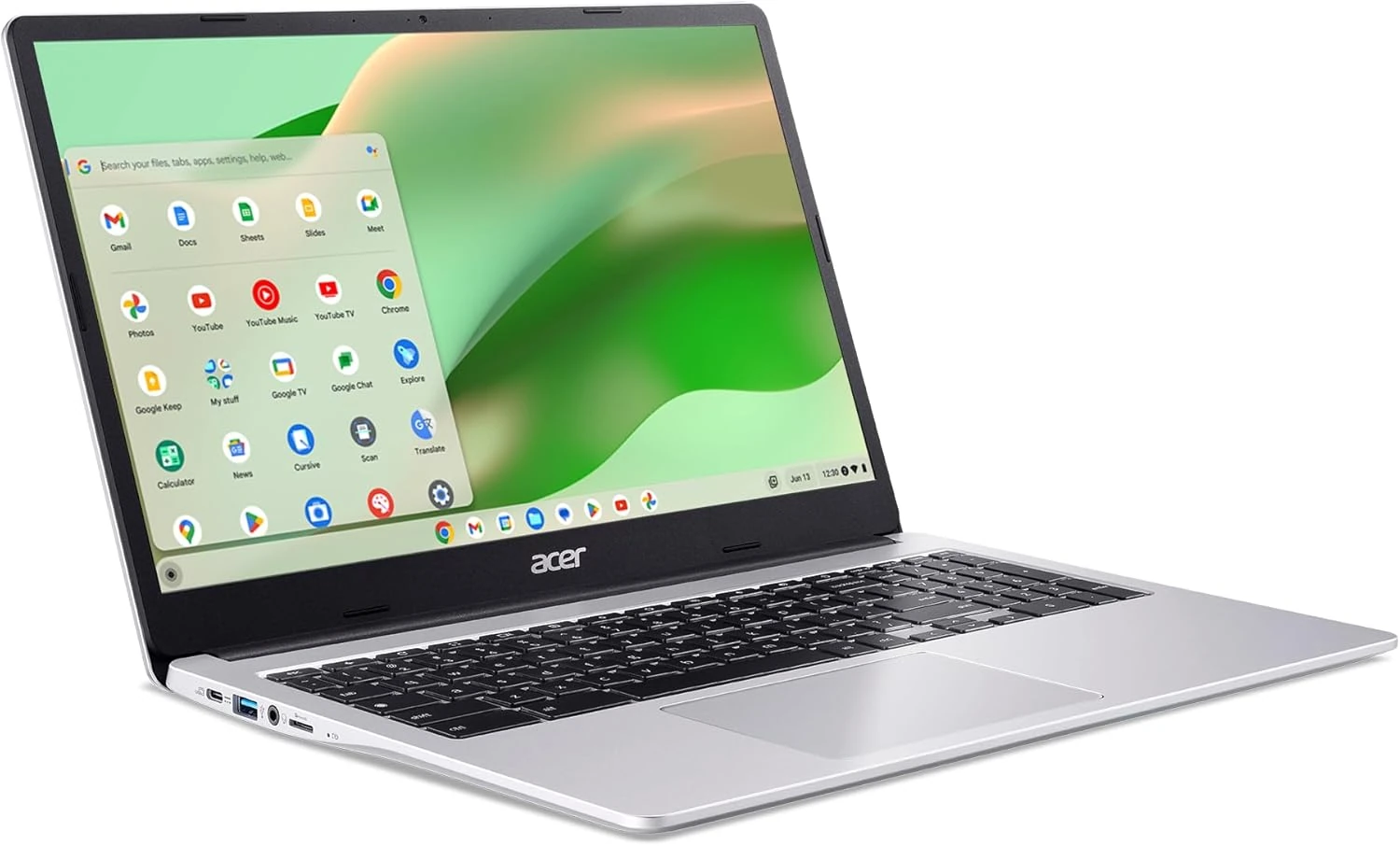
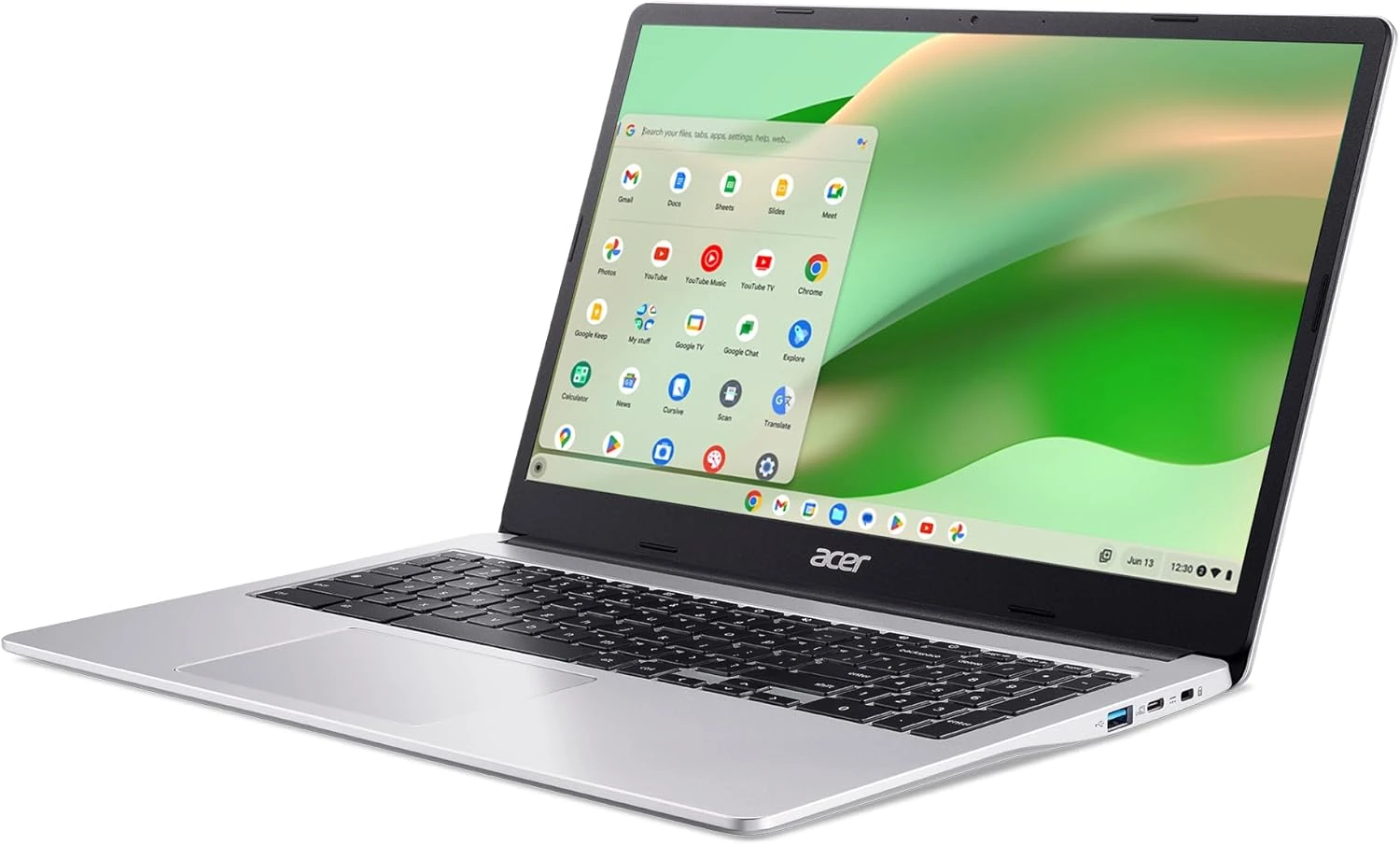
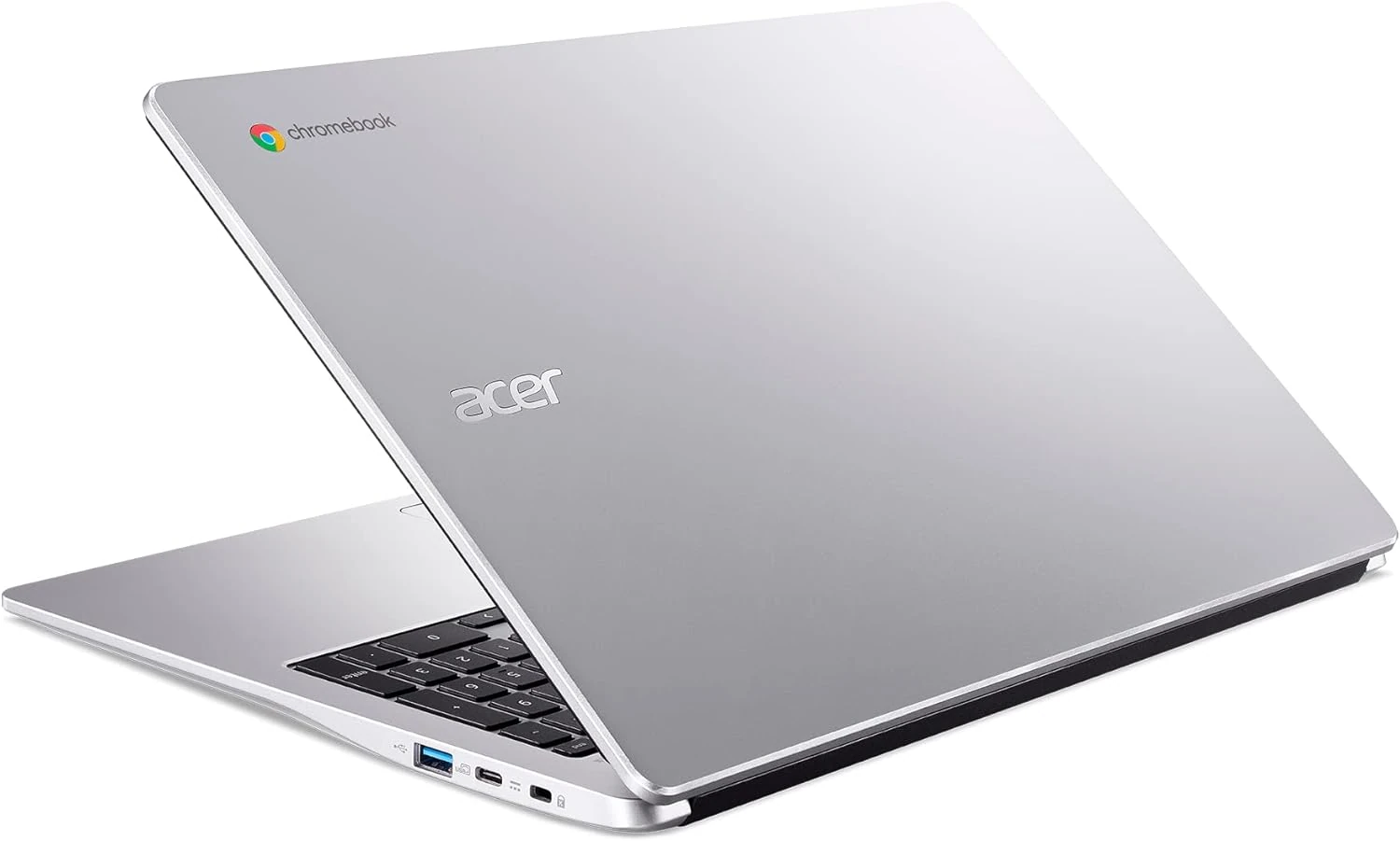
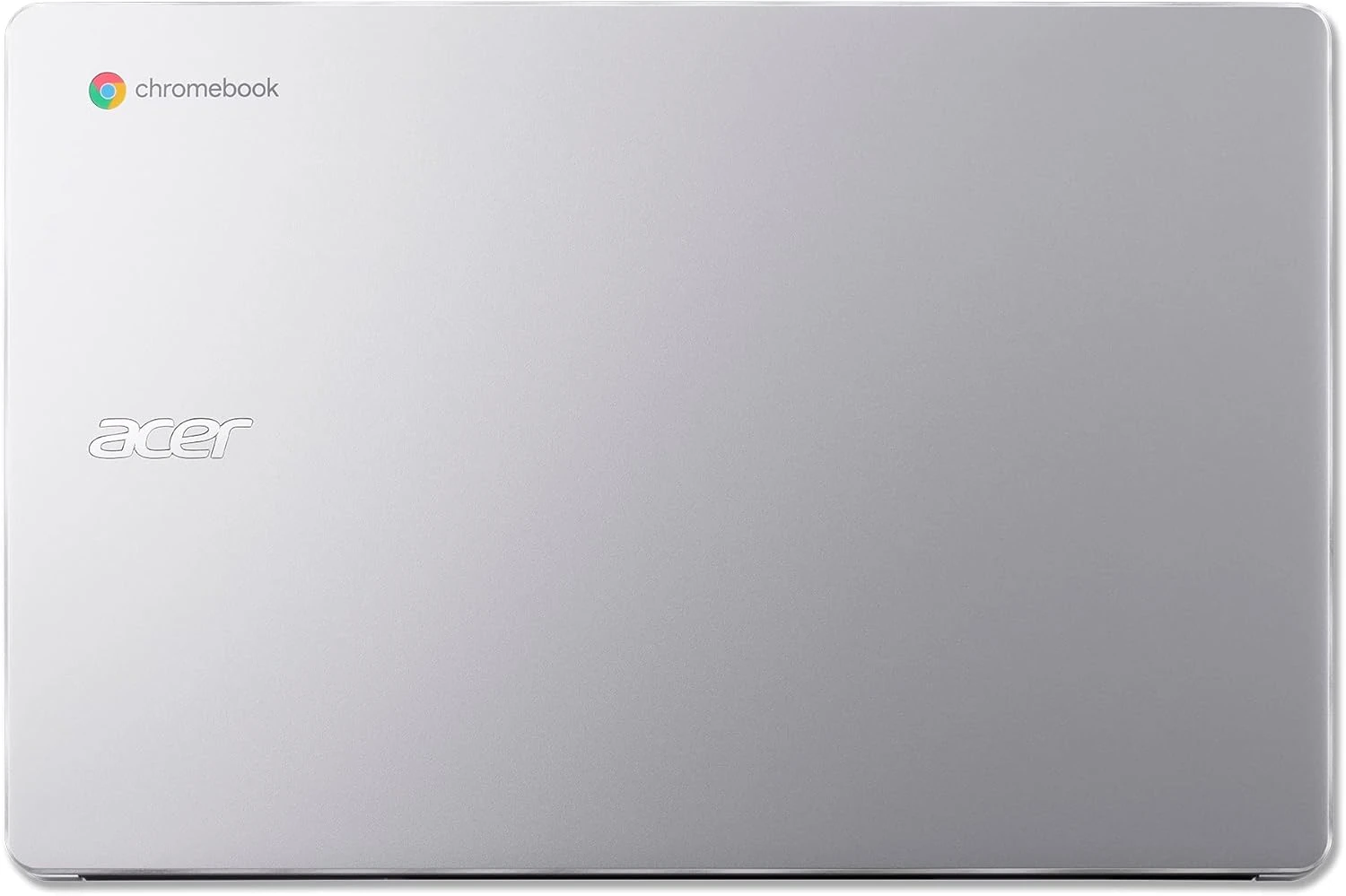


Specifications Overview
- Processor: Intel Celeron N4500, Dual-Core
- Processor Speed: Up to 2.8 GHz
- RAM: 4 GB LPDDR4X
- Storage: 64 GB eMMC
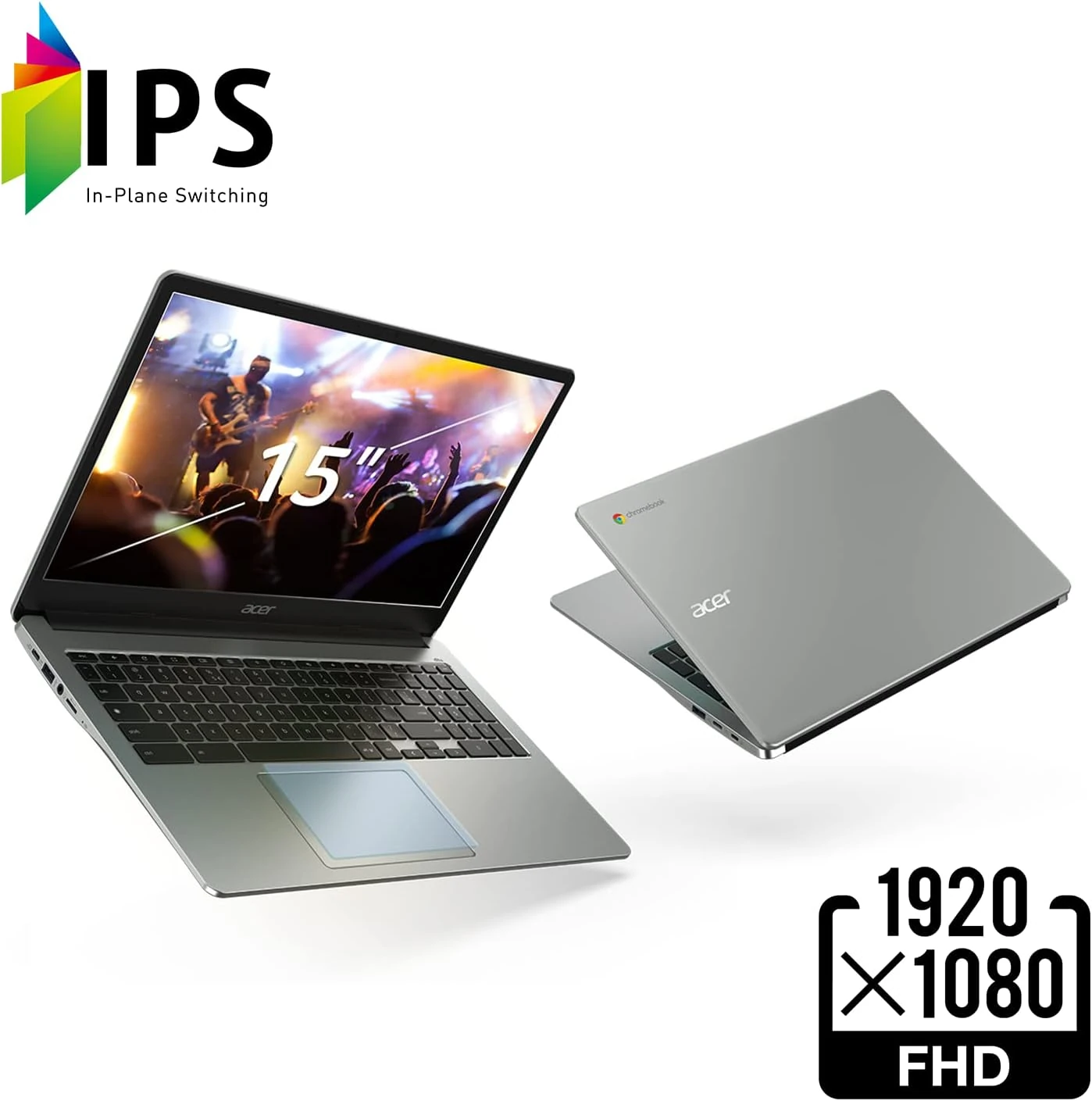
- Display Size: 15.6 Inches
- Resolution: 1920 x 1080 pixels
- Display Type: LED-backlit IPS
- Battery Life: Up to 10 hours
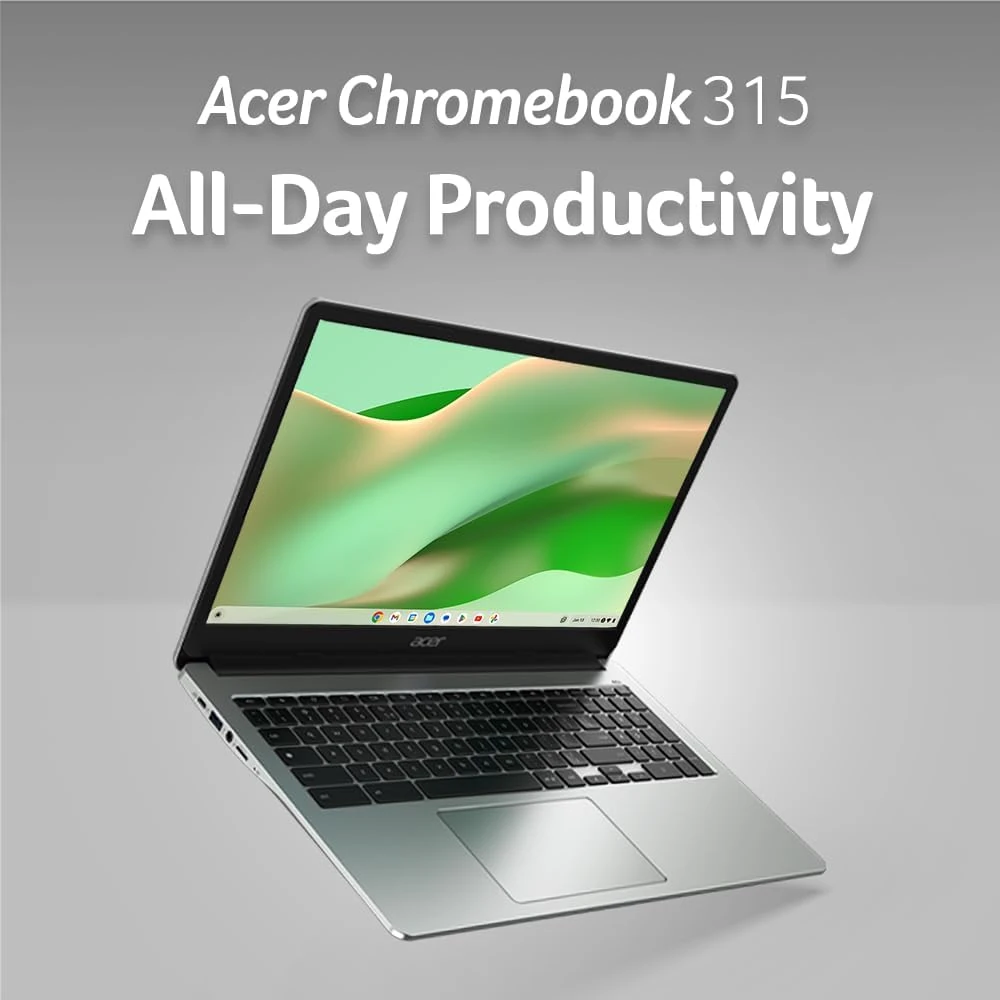
- Weight: 3.5 Pounds
- Operating System: Chrome OS
- Graphics: Intel UHD Graphics
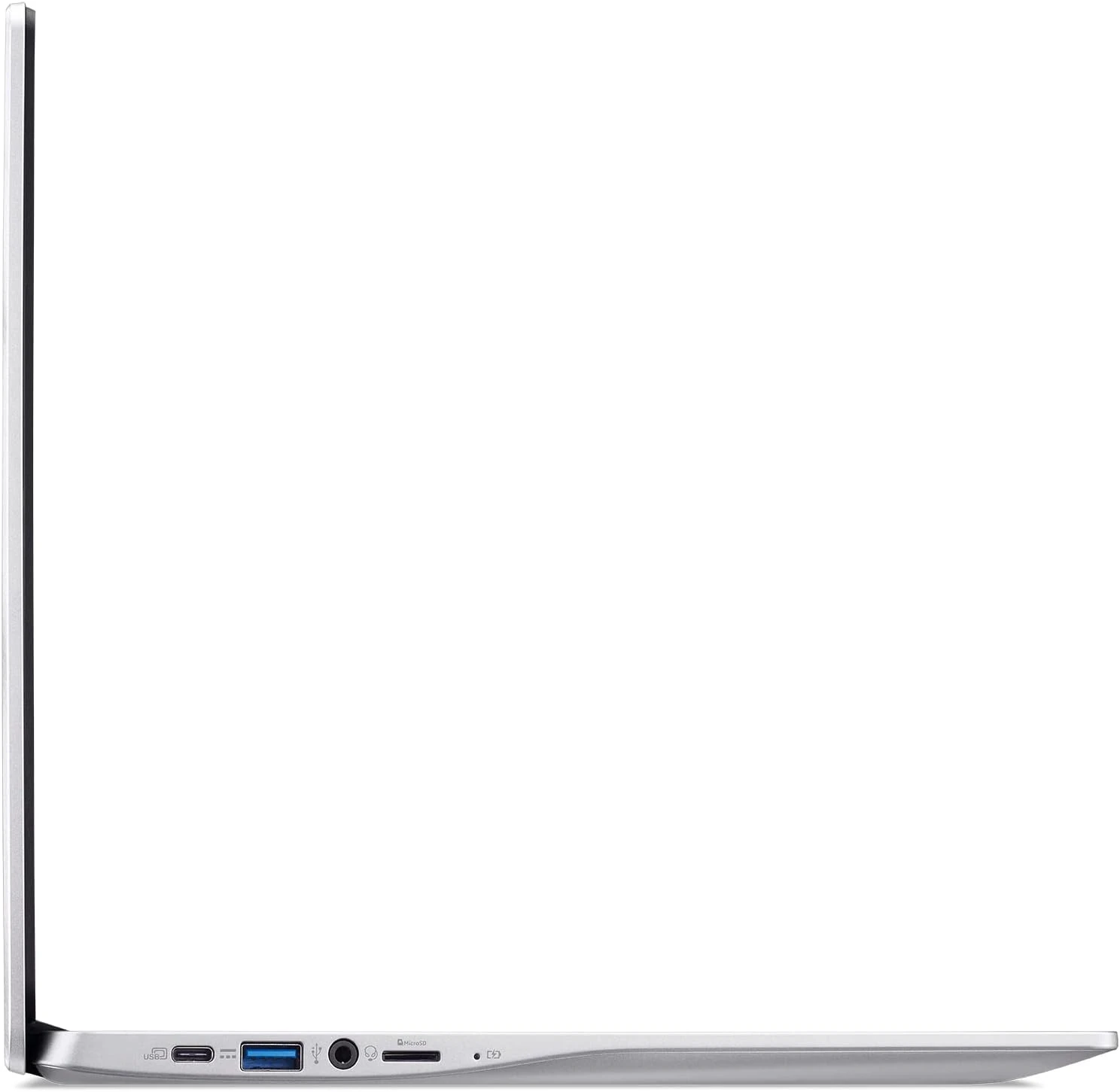
- Total USB Ports: 2 USB Type-C, 2 USB 3.2
- Webcam Capability: Yes
- Dimensions: 14.42″L x 9.61″W x 0.79″Th
Price Comparison
The Acer Chromebook 315 is available through several major retailers, each offering different pricing and return policies.
Amazon
Price: $167.88
Free shipping with Prime. Easy returns within 30 days. Secure payment options.
CHECK THE LATEST PRICE ON AMAZONNot Sure? Consider These Instead
Alternative Chromebooks in the same price range offer variations in memory, storage, and processing power, which may better suit users with higher performance or storage needs.
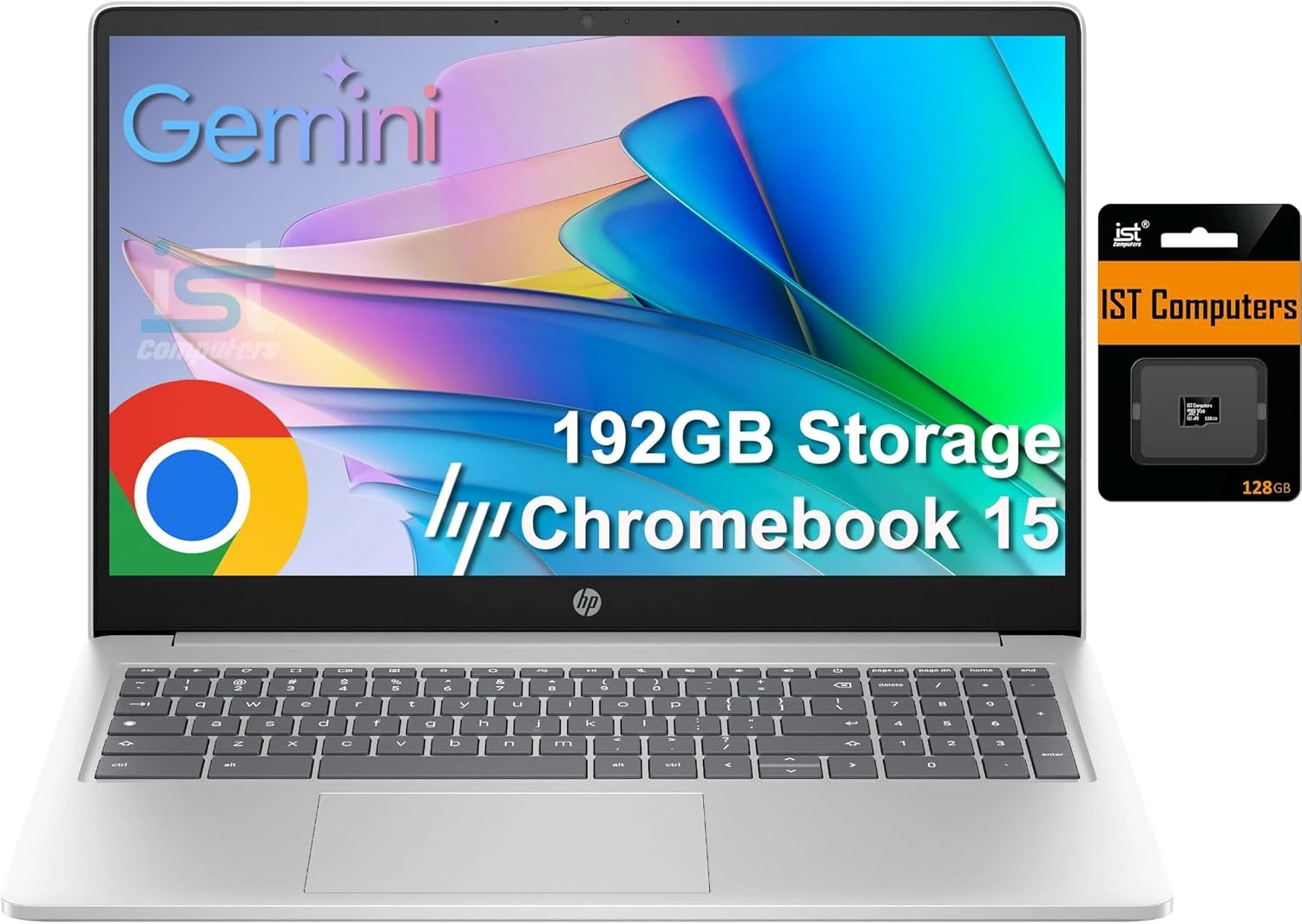
HP Chromebook 15
Key highlights- Processor: Intel N200, 4-Core
- RAM: 8 GB DDR5
- Storage: 192 GB
- Screen Size: 15.6 Inches
The HP Chromebook 15 provides a notable upgrade in both RAM and storage compared to the Acer Chromebook 315, making it a better fit for users who expect to multitask or require additional space for files.
Learn More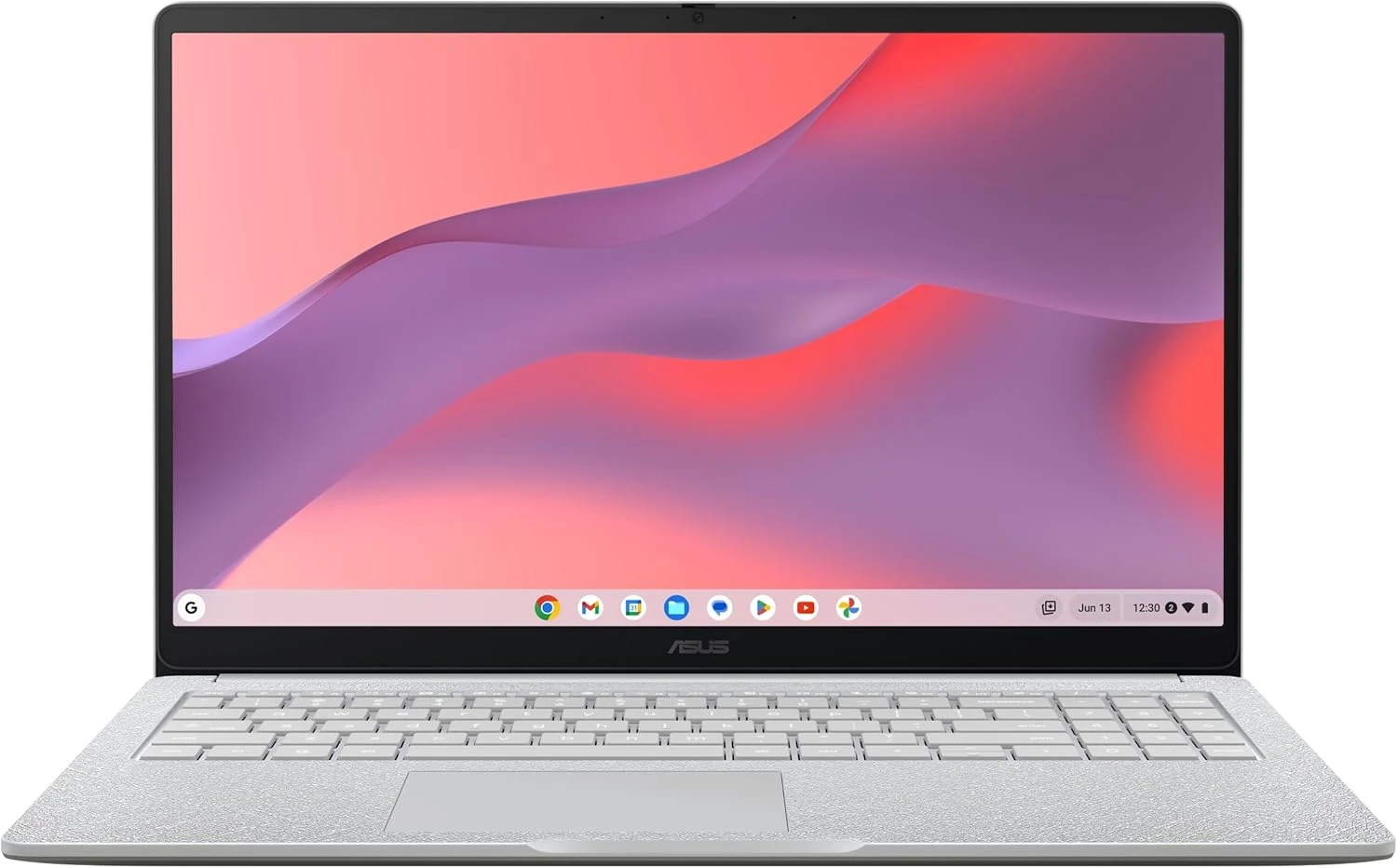
ASUS Chromebook CX15
Key highlights- Processor: Intel Celeron N4500
- RAM: 8 GB
- Storage: 128 GB
- Screen Size: 15.6 Inches
The ASUS Chromebook CX15 matches the Acer model in processor but doubles the memory and storage, which can improve multitasking and file capacity for users who find the 315's specs limiting.
Learn More
Frequently Asked Questions
How long does the Acer Chromebook 315 battery last during typical use?
Most users report that the battery provides up to 10 hours of use for everyday tasks, though actual duration may vary depending on screen brightness and workload.
Can I expand the storage on the Acer Chromebook 315 with a MicroSD card?
Several users have noted the absence of a MicroSD card slot, so storage expansion options are limited to external USB drives or cloud storage solutions.
Does the device support connection to external monitors?
Yes, the Chromebook 315 includes USB Type-C ports that support DisplayPort over USB-C, allowing connection to compatible external monitors.
Final Recommendation
The Acer Chromebook 315 delivers solid value for users focused on basic computing tasks within a tight budget.
While it excels in portability and battery life, performance limitations become apparent with heavier multitasking.
For students and casual users who understand its limitations, this Chromebook offers practical everyday computing at an accessible price point.