JOUNIVO USB Microphone – 360 Degree Adjustable, Gooseneck, Noise-Canceling, Mute Button
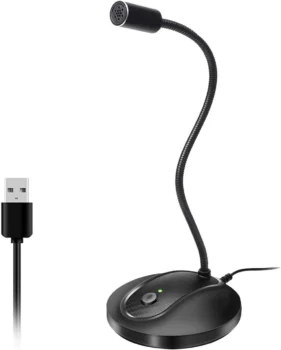

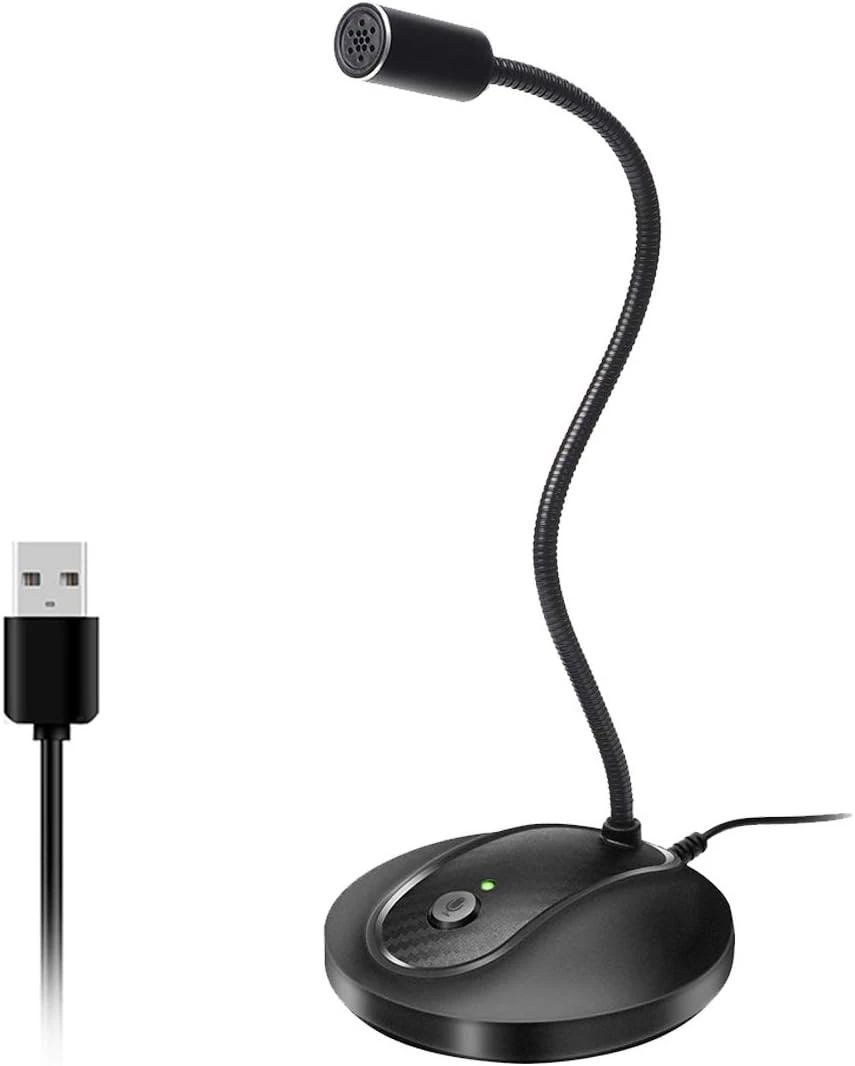
Omnidirectional polar pattern captures sound from all directions.
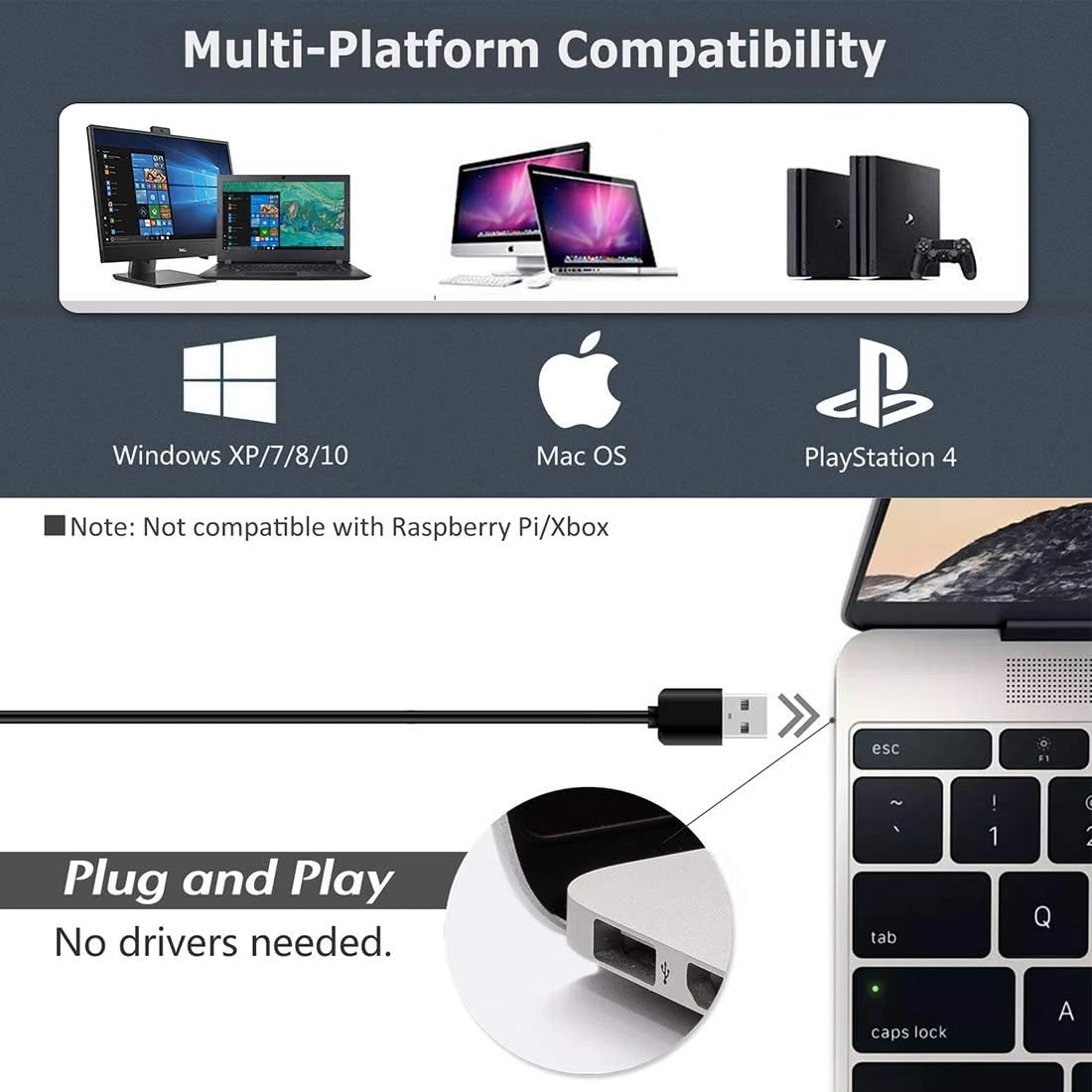
Plug-and-play USB connectivity—no drivers required.
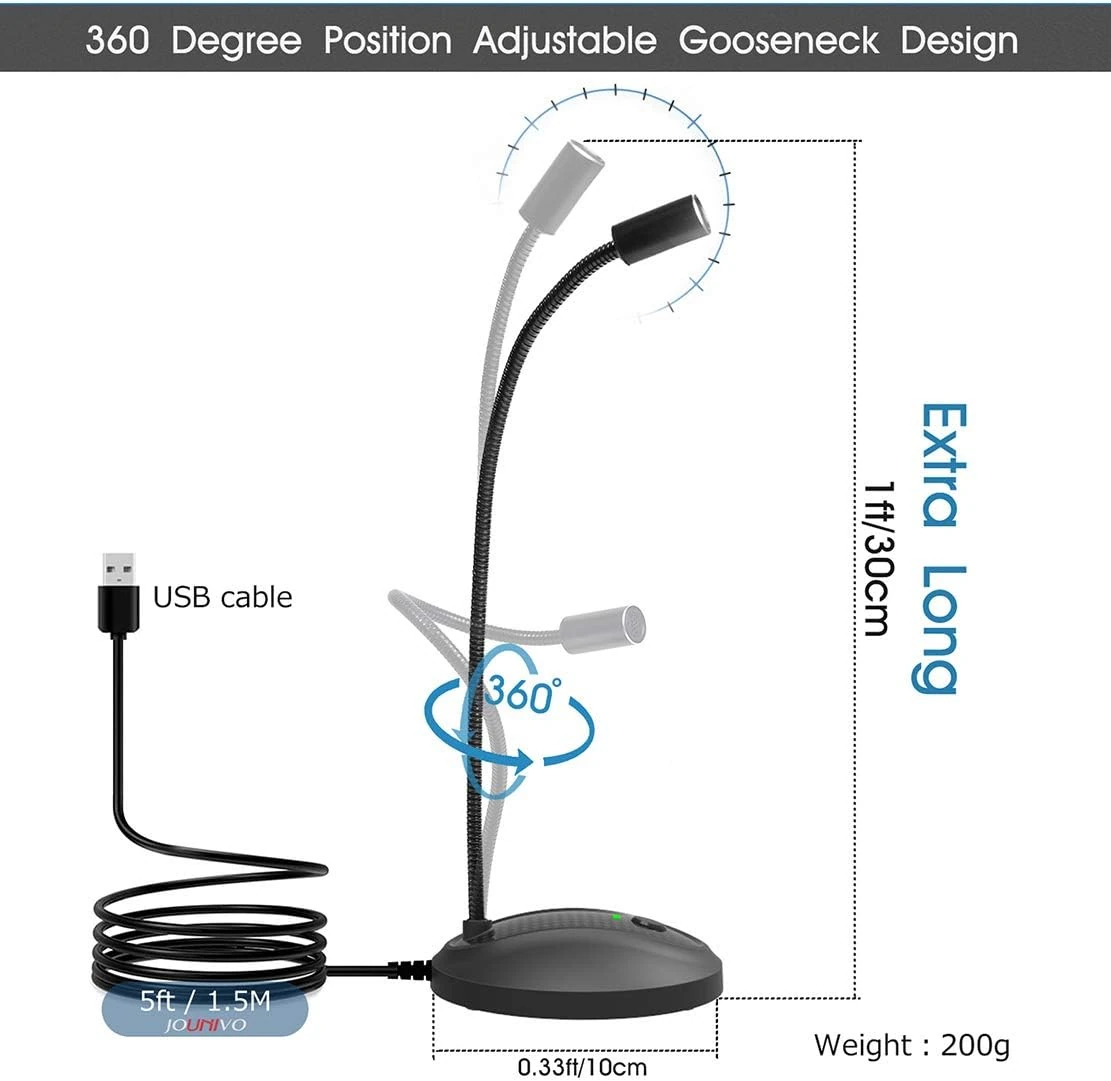
Includes adjustable gooseneck and one-touch mute button.
Should You Buy This Product?
✅ Buy it if:
- you want an affordable, plug-and-play microphone for video calls, online meetings, or basic speech tasks on PC or Mac
🚫 Avoid it if:
- you need professional-grade audio quality or long-term reliability you can count on
Bottom Line
Best for anyone who wants a budget-friendly desktop mic for calls, classes, or basic voice tasks. Skip it if consistent mute-button function and long-term reliability are must-haves.
What We Love & What to Watch Out For
- Set it up in seconds — simple USB plug-and-play works with most laptops and PCs, no driver installs needed
- Omnidirectional pickup and noise-canceling design keep your voice clear on calls and meetings, even with sound coming from multiple directions
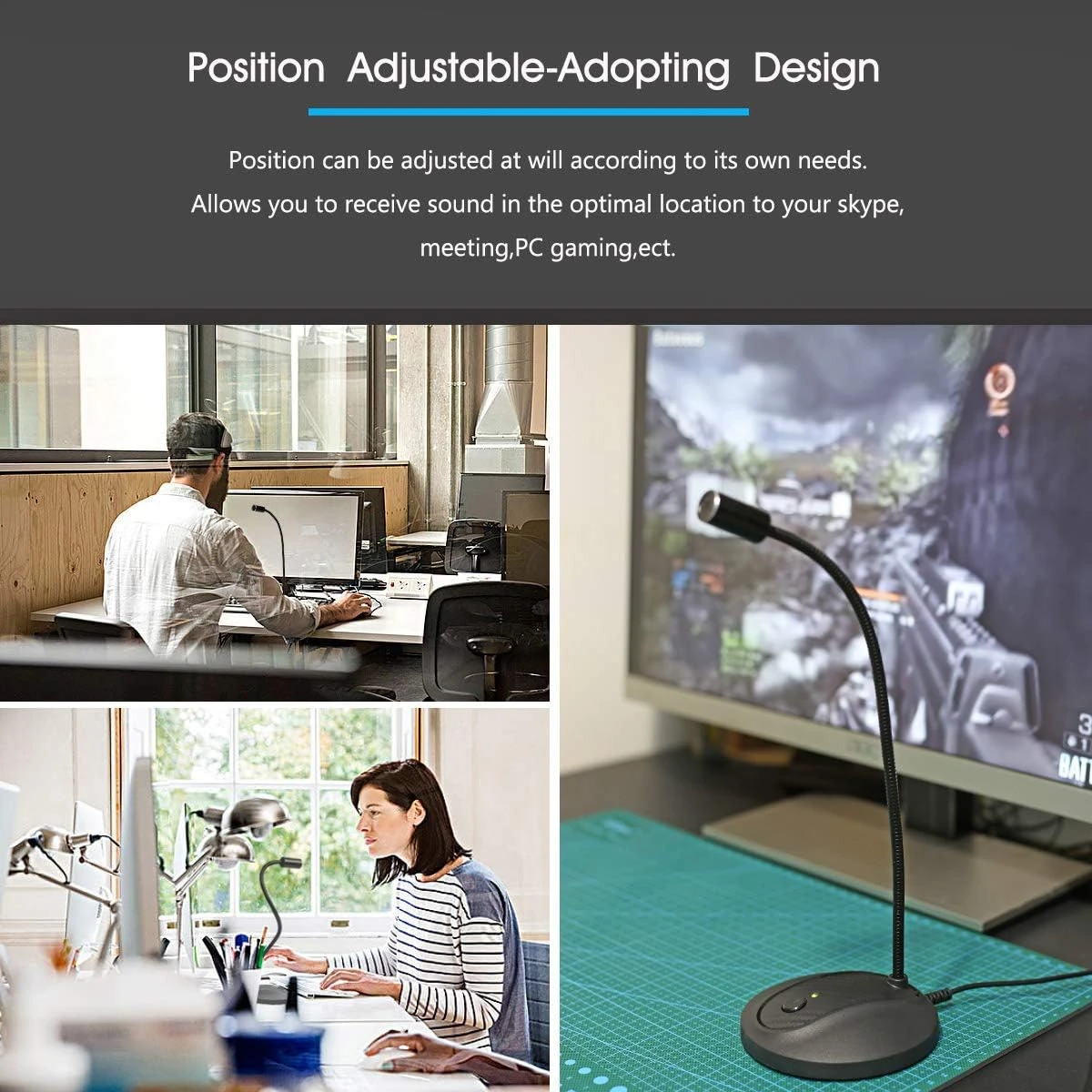
- Bend the gooseneck to exactly where you need it for the best angle and sound pickup
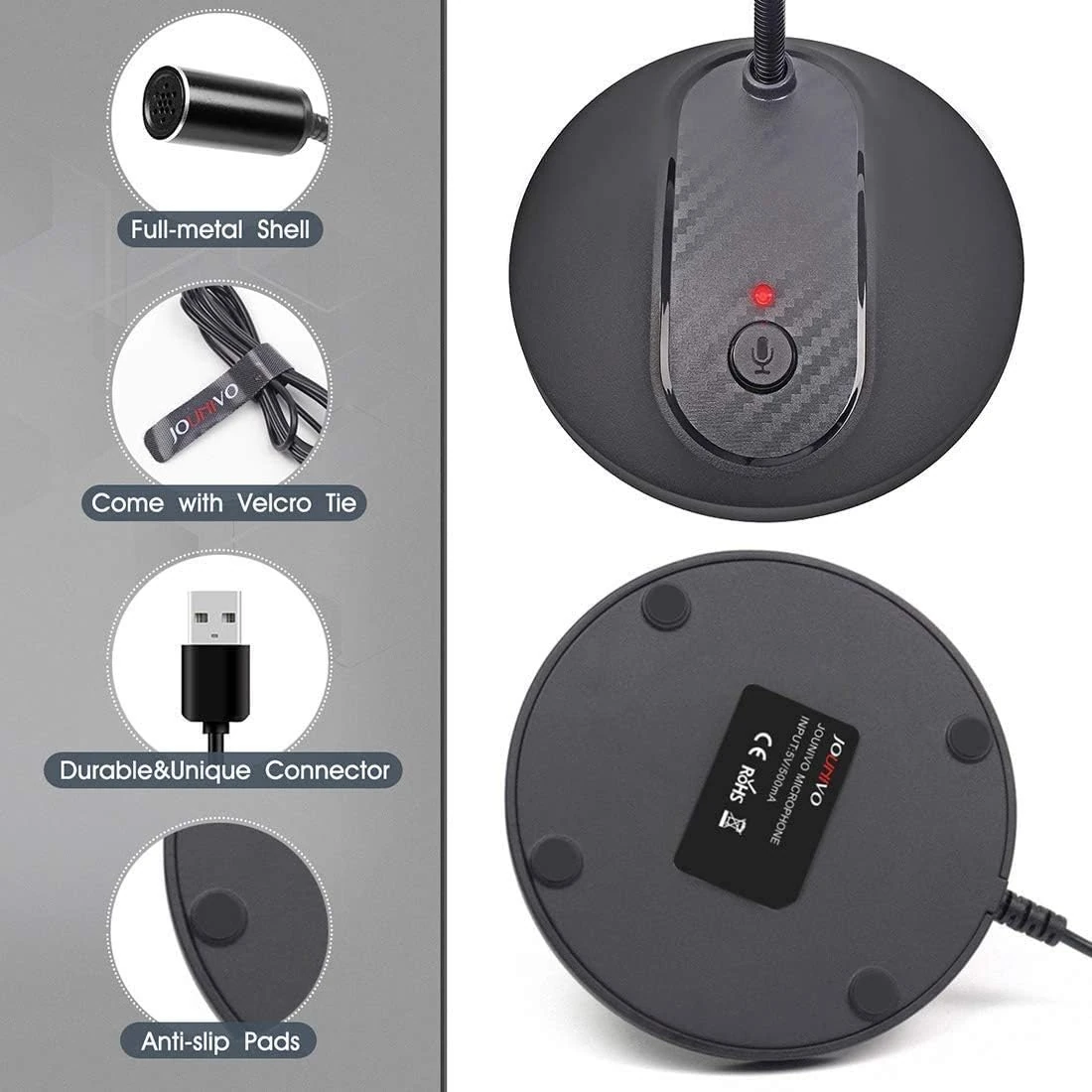
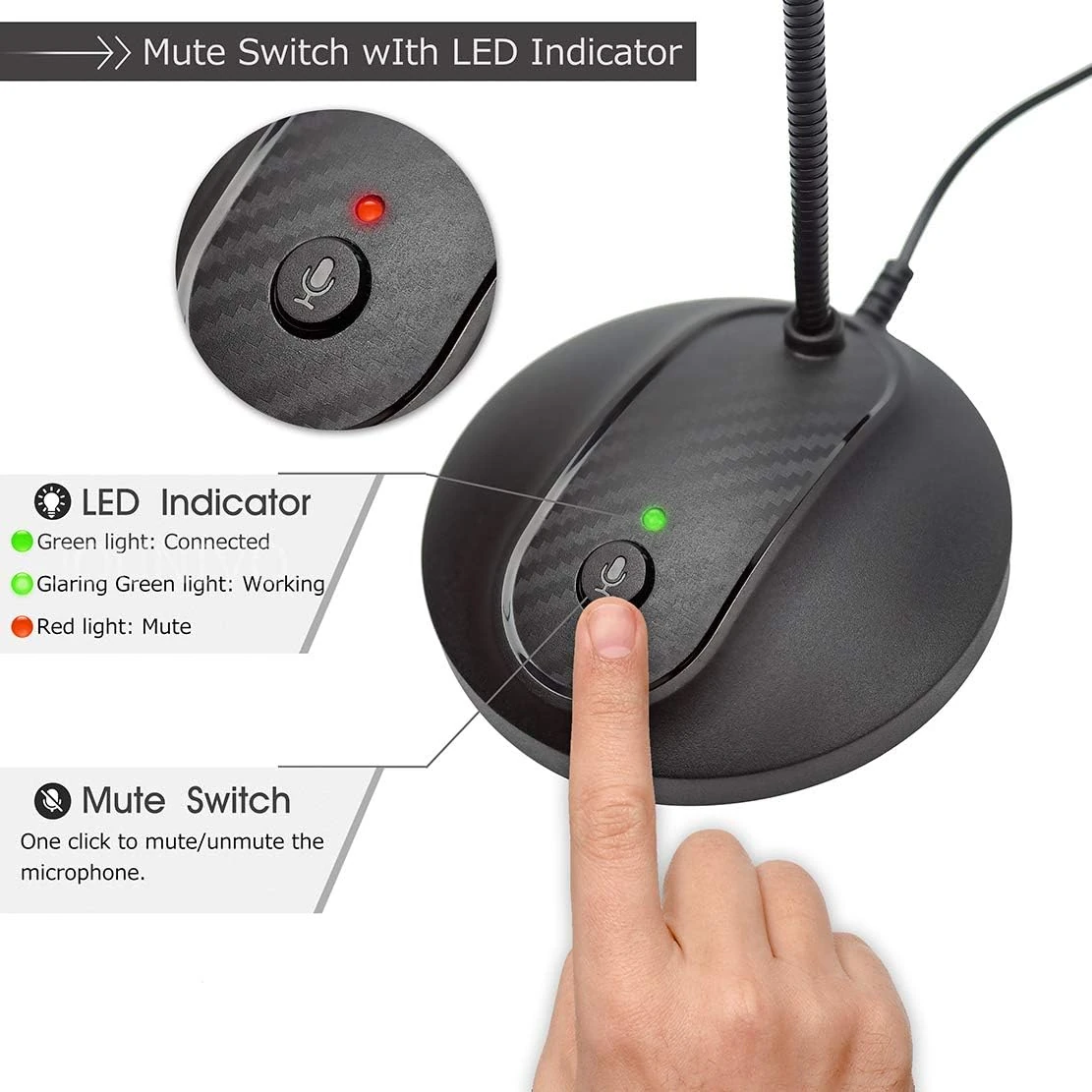
- Mute button and LED indicator let you control your audio at a glance during calls
- Some users report the mute button acting up — either failing to mute or triggering on its own — so double-check it is working before important calls
- A number of users have seen the microphone stop working or fail early, worth keeping in mind for long-term use
- Built for PC and Mac only — it will not work with Xbox, Raspberry Pi, or Android devices
- Sound quality is tuned for clear conversation, not studio-level recording, so it may fall short for higher-fidelity projects
At $17.99 with a 4.4-star rating across nearly 12,000 reviews, it is a low-risk way to step up from your built-in laptop mic.
How People Actually Use It
Hopping on a Zoom, Teams, or Skype call for work or class and needing your voice to come through clearly
Recording quick voice memos or dictating notes for everyday documentation
Jumping into a casual stream or gaming session where clear voice chat matters more than studio audio
Editor Score
Use-case Fit — How well this product matches its intended use case and target user.
Market Satisfaction — Based on aggregated customer ratings and review sentiment on Amazon.
Market Momentum — Reflects recent sales trend via BSR (Best Seller Rank). See the chart below.
Market Rank Trend (BSR)
Product Gallery


Specifications Overview
- Polar Pattern: Omnidirectional
- Connectivity Technology: USB
- Maximum SPL: Not Published
- Item Weight: 7.06 ounces
- Item Dimensions: 3 x 3 x 9 inches
- Power Source: Corded Electric
- Compatible Devices: Laptop, Personal Computer
- Wireless: No
- Xlr Connection: No
- Usb Connection: Yes ✓
- Signal-to-Noise Ratio: 76 db
- Special Feature: Volume Control
- Audible Noise: 76 db
- Number of Channels: 1
- Color: JV-601
- Microphone Type: USB Condenser
- Hardware Platform: Laptop, PC
- Number of Batteries: 1 Lithium Ion batteries required.
- Frequency Range: 20Hz-20kHz
- Sensitivity: −38 dBV/Pa
Price Comparison
Price and buying options for the JOUNIVO USB Microphone show a strong value proposition relative to similar desktop microphones.
Amazon
Price: $17.99
Free shipping with Prime. Easy returns within 30 days.
CHECK THE LATEST PRICE ON AMAZONNot Sure? Consider These Instead
Several alternatives offer similar features in the USB desktop microphone segment, with differences in pickup pattern, controls, and price.
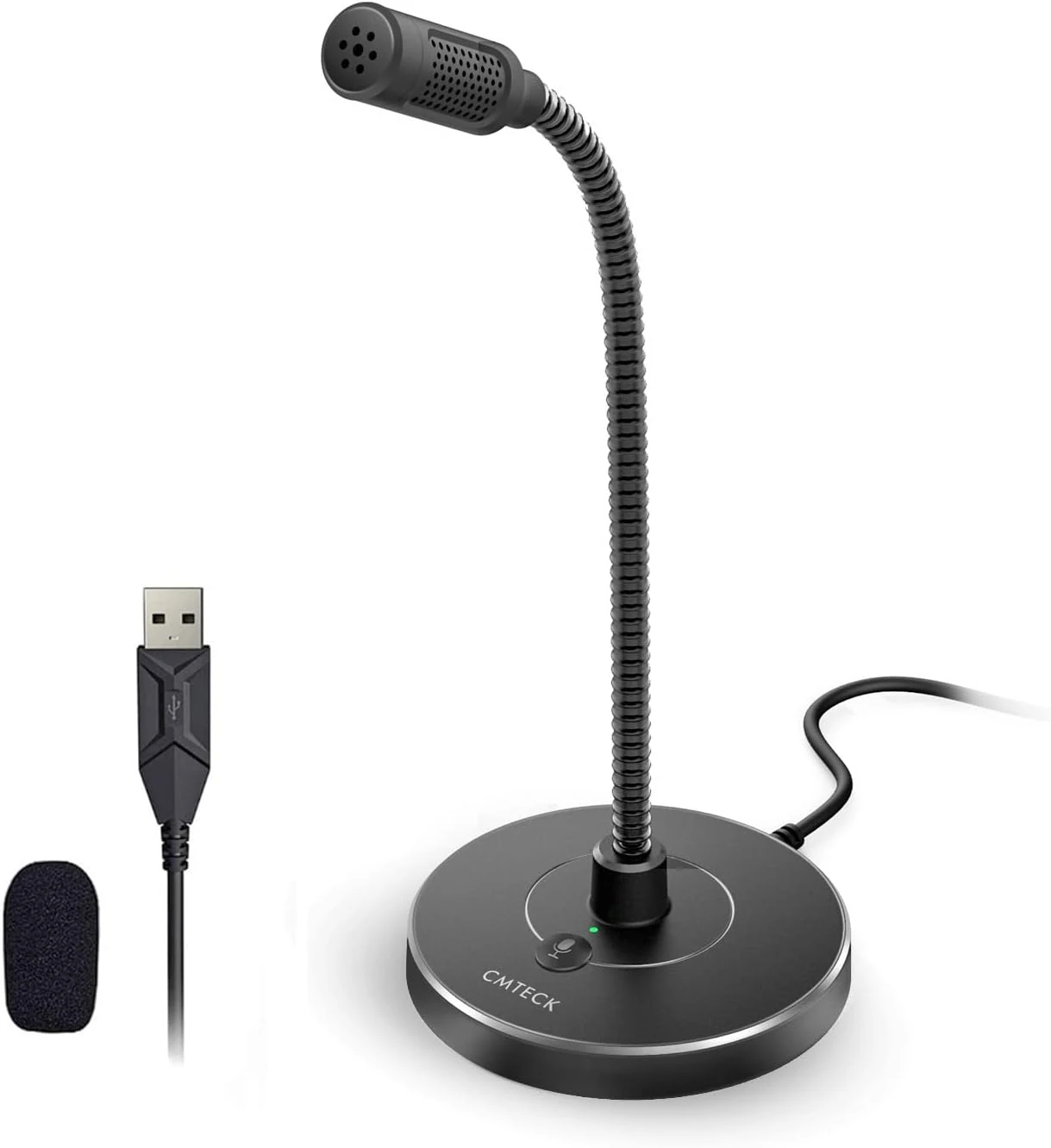
CMTECK Microphone for PC, Noise-Cancelling
Key highlights- Dynamic RGB lighting
- Mute function with LED indicator
- Active noise-cancelling
- Compatible with Windows and Mac
The CMTECK Microphone for PC is a comparable USB desktop mic featuring a unidirectional pickup pattern, active noise-cancelling, and a mute button with LED status. It targets similar use cases but emphasizes more focused voice capture and additional control features, making it a strong alternative for users prioritizing background noise reduction.
Learn More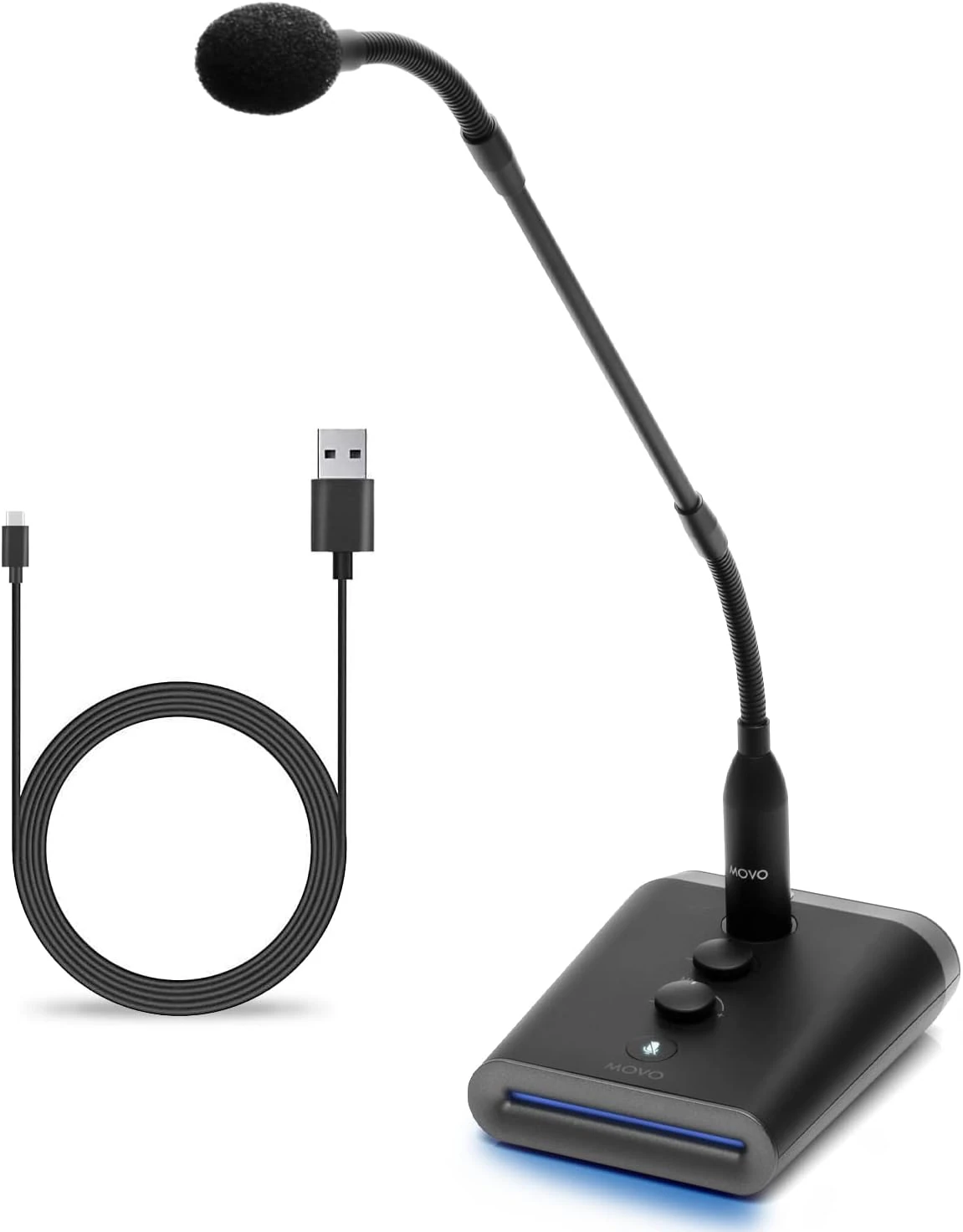
Movo GM-7, Professional Gooseneck Microphone
Key highlights- 18-inch gooseneck design
- Integrated USB audio interface
- Hands-on volume and gain controls
- Ideal for streaming and conferencing
The Movo GM-7 offers a longer gooseneck and both volume and gain controls, positioning it as a step up for users needing more precise audio adjustment or a larger workspace footprint. It is well-suited for those engaged in frequent streaming or professional conferencing.
Learn More
Frequently Asked Questions
Does the JOUNIVO USB Microphone require driver installation?
No, the microphone is plug-and-play and works with most Windows and macOS systems without additional drivers.
Can the mute button be relied upon for privacy during calls?
User feedback indicates that the mute button sometimes fails to mute or may activate unintentionally, so it is advisable to double-check mute status within your conferencing software for critical situations.
Is the JOUNIVO USB Microphone compatible with gaming consoles or mobile devices?
The microphone is designed for use with laptops and PCs and is not compatible with Xbox, Raspberry Pi, or Android devices.
Final Recommendation
The JOUNIVO USB Microphone offers a cost-effective way to upgrade your desktop audio for everyday communication.
It is easy to set up and flexible enough for daily meetings, basic recordings, and general PC use — though the mute button and long-term reliability have drawn some complaints.
If you want a no-fuss mic for calls and everyday tasks without spending much, this is worth adding to your desk setup.