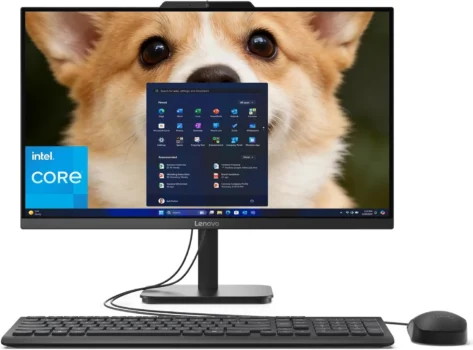
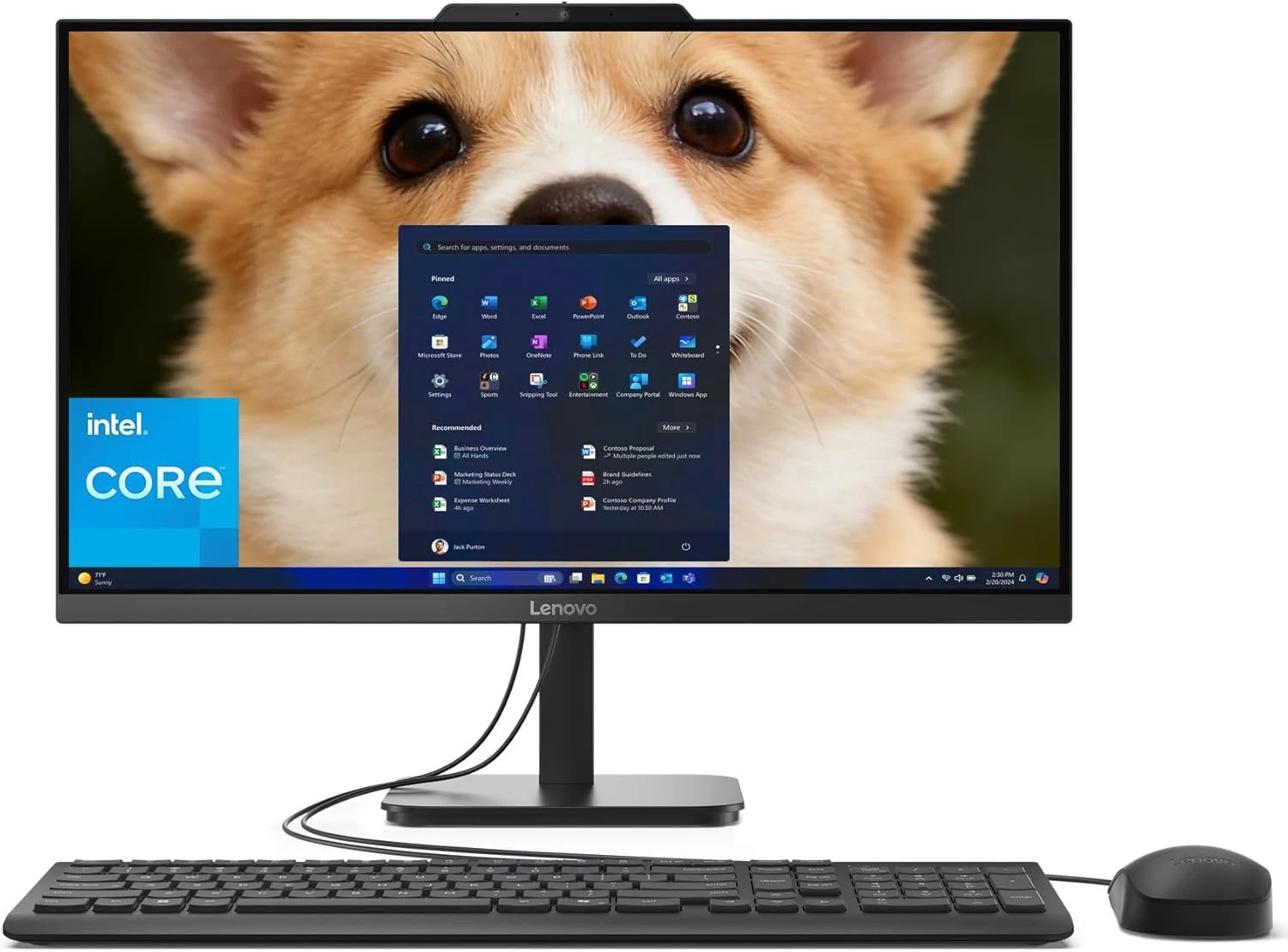
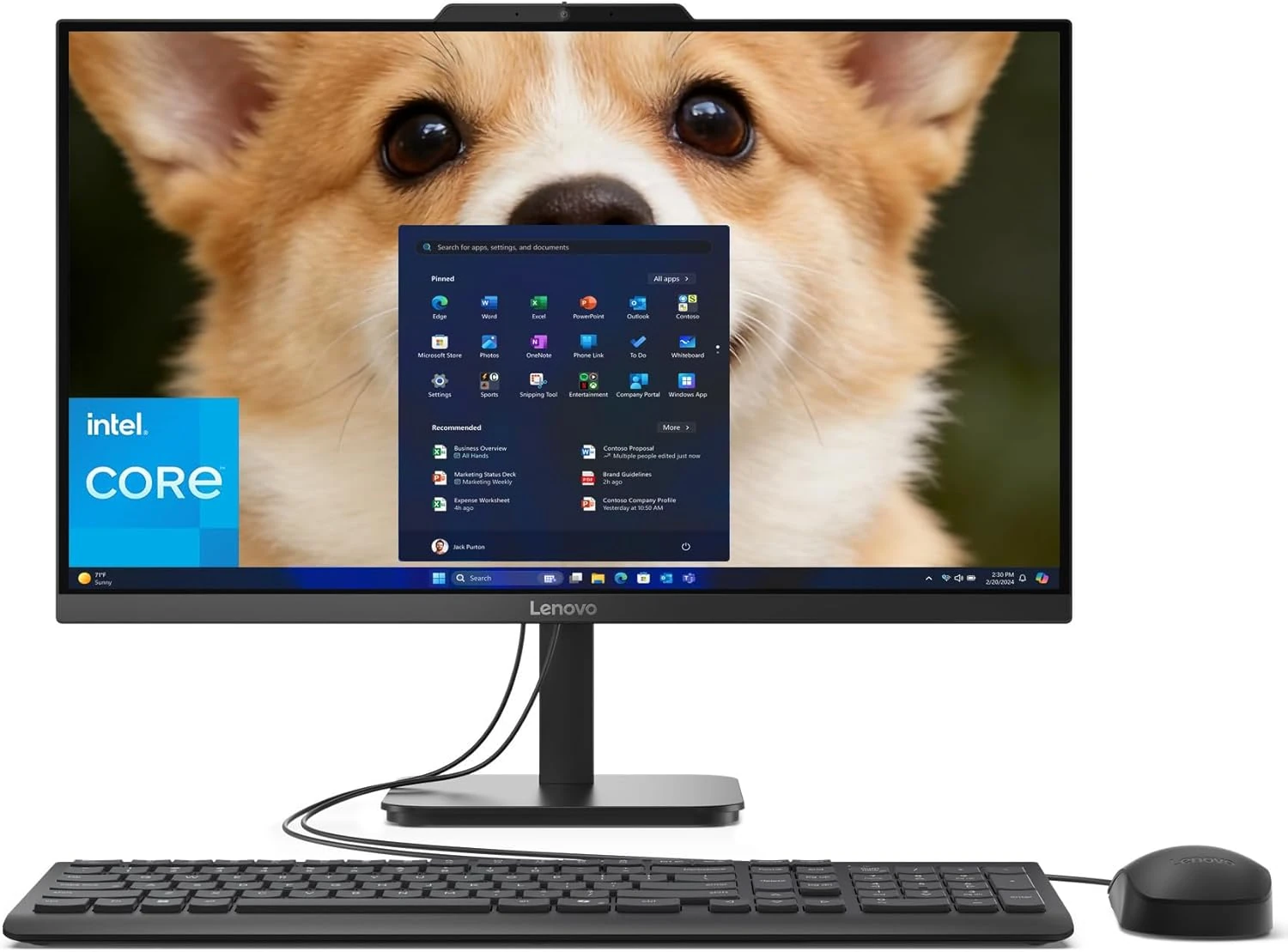
23.8-inch Full HD anti-glare display for comfortable viewing
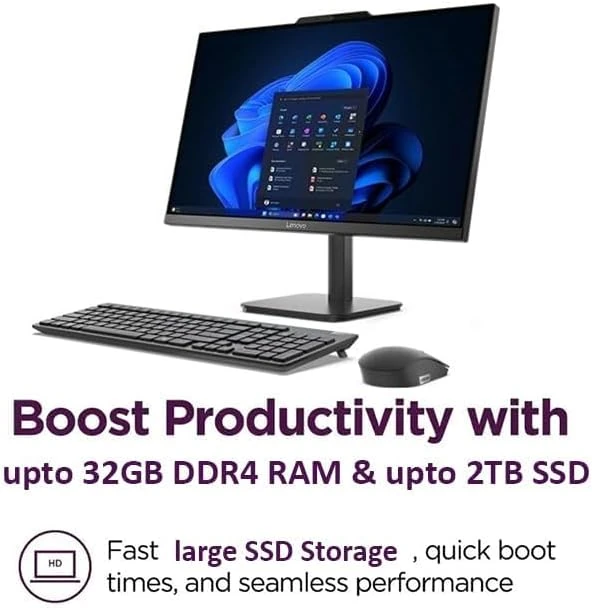
Intel N100 quad-core processor with 8GB DDR4 RAM
512GB PCIe NVMe SSD for fast storage and quick boot times
Should You Buy This Product?
✅ Buy it if:
- you want a clean desk setup without multiple cables and components
- you need reliable performance for office work, streaming, and web browsing
- you're setting up a home office or study space with limited room
- you prefer plug-and-play simplicity over complex configurations
🚫 Avoid it if:
- you plan to run demanding games or resource-intensive creative software
- you need high-end processing power for professional design work
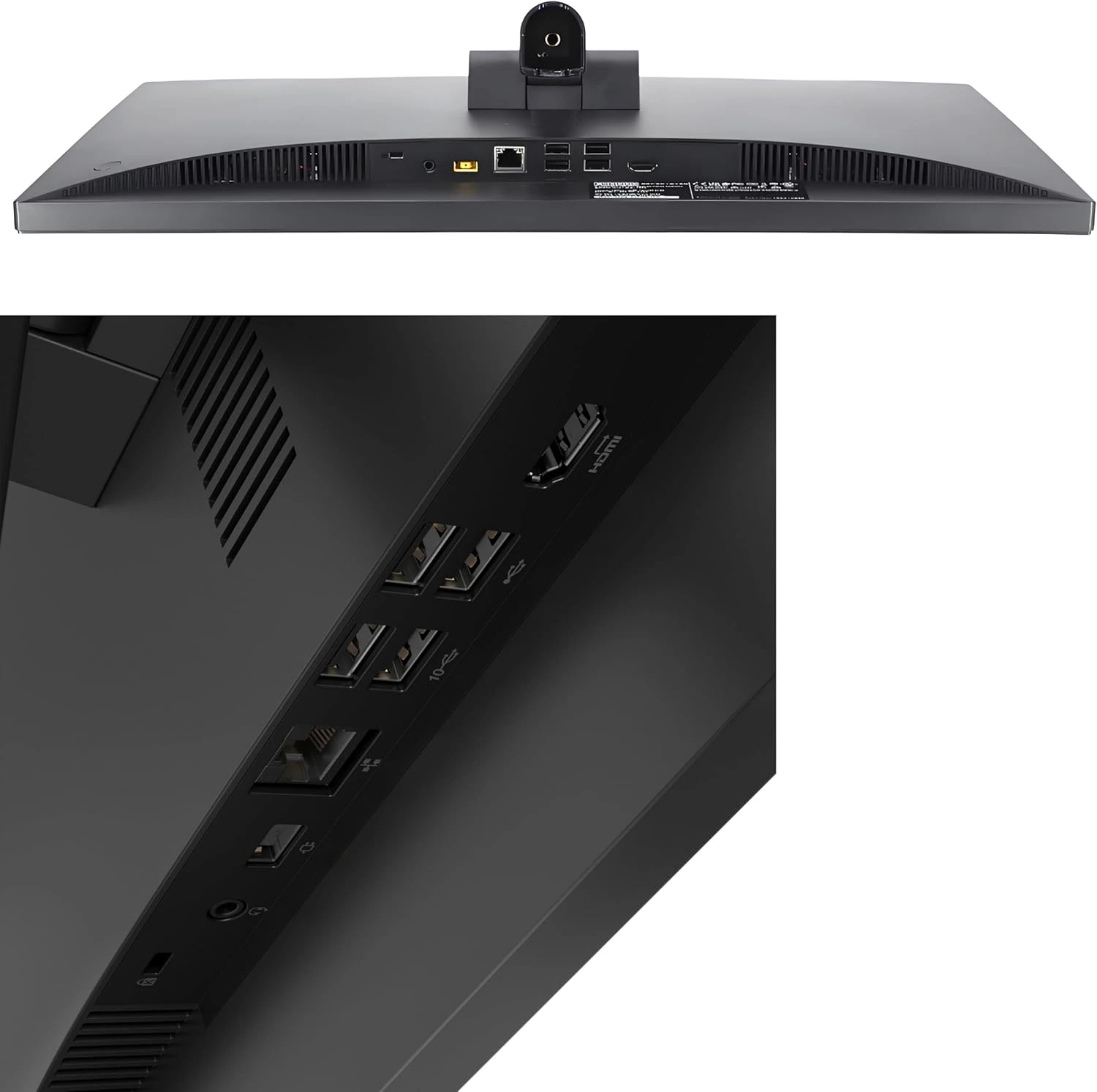
- you frequently connect multiple USB devices and need easy port access
- you require extensive warranty coverage or premium technical support
Bottom Line
Ideal for home offices, students, and families who need dependable everyday computing in a space-saving design. Skip it if you need gaming performance or frequently use multiple USB peripherals.
What We Love & What to Watch Out For
- Setup takes minutes — users consistently praise how quickly they're up and running
- Handles office tasks, streaming, and web browsing without lag or slowdowns
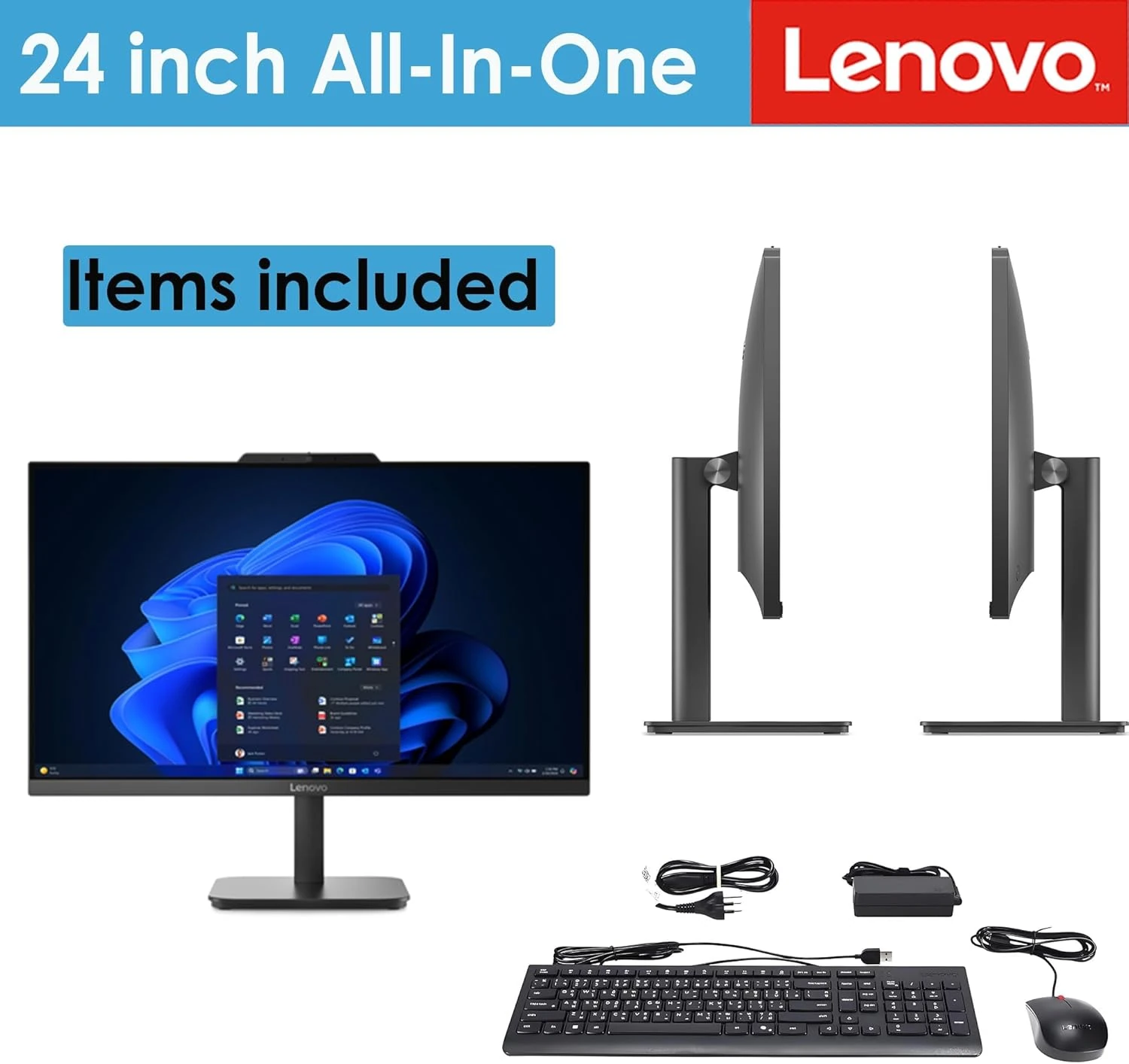
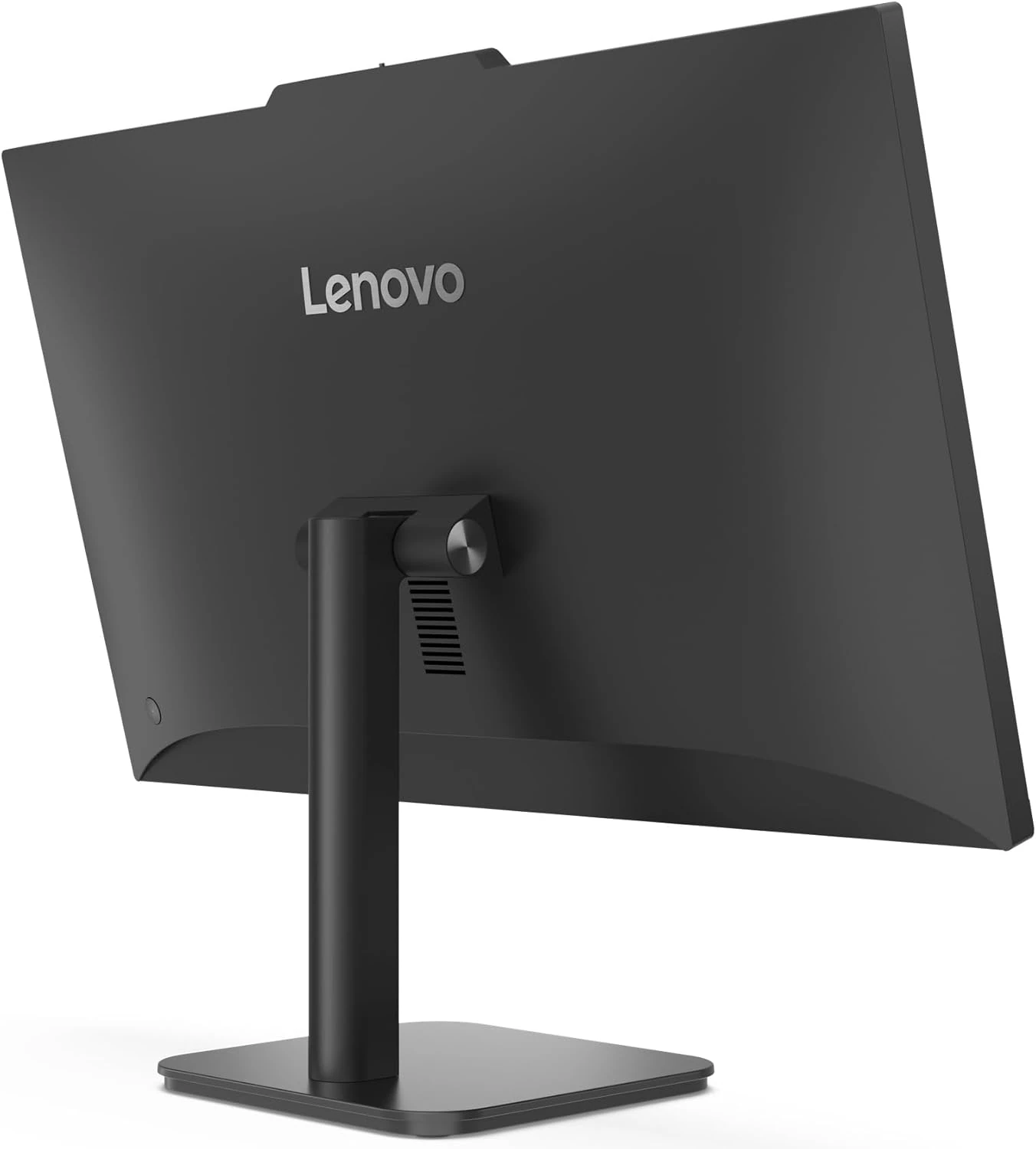
- Eliminates desktop tower clutter — everything fits in one sleek 23.8-inch unit
- Full HD anti-glare display reduces eye strain during long work sessions
- Some users report keyboard issues during initial setup — may require troubleshooting
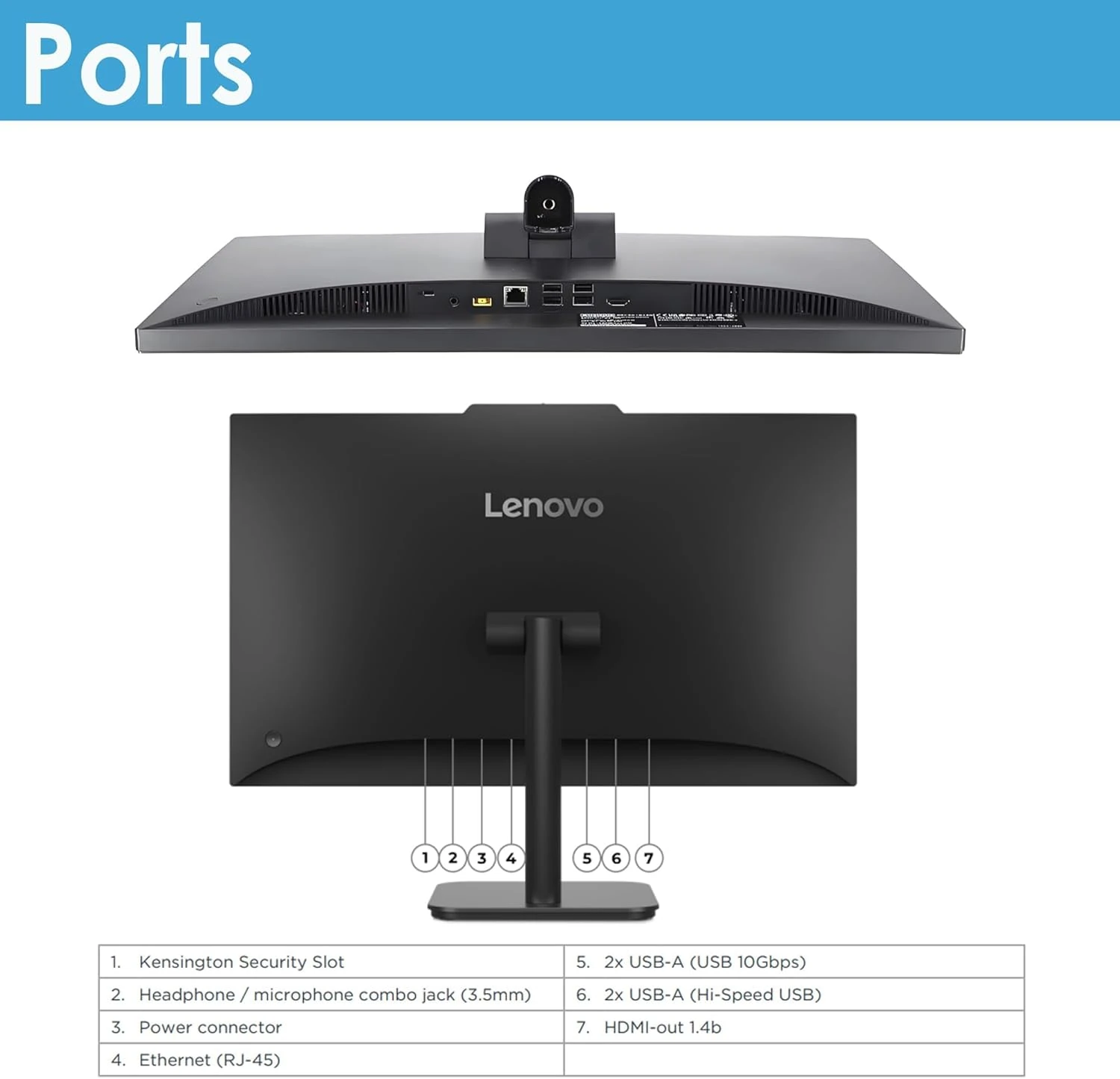
- USB ports located under the monitor make frequent device swapping inconvenient
- Warranty coverage questions and product origin concerns noted by some buyers
- Intel N100 processor limits performance for gaming or heavy multitasking
At $399, it costs less than buying a decent monitor and budget desktop separately — while taking up half the space.
How People Actually Use It
Morning routine: boot up in seconds, check emails, edit documents, and join video calls — all from one clean workspace
Student life: research papers, online classes, and Netflix breaks without switching between devices or dealing with cable mess
Family hub: managing household budgets, viewing photos, and letting kids do homework — simple enough for everyone to use
Editor Score
Use-case Fit — How well this product matches its intended use case and target user.
Market Satisfaction — Based on aggregated customer ratings and review sentiment on Amazon.
Market Momentum — Reflects recent sales trend via BSR (Best Seller Rank). See the chart below.
Market Rank Trend (BSR)
Product Gallery


Specifications Overview
- Processor: Intel N100 (4C / 4T, Max Turbo up to 3.4GHz, 6MB)
- Graphics: Integrated Intel UHD Graphics
- Memory: 8GB DDR4 RAM
- Storage: 512GB PCIe NVMe M.2 SSD
- Audio: High Definition (HD) Audio
- Display: 23.8″ FHD (1920×1080) IPS Anti-glare 250nits, 99% sRGB, Non-touch
- Dimensions: 539.3 x 185 x 422.78 mm (21.23 x 7.3 x 16.65 inches)
- Weight: Not specified
Price Comparison
This Lenovo All-in-One is available from major retailers at competitive prices, with similar warranty and return policies.
Amazon
Price: $399.98
Free shipping with Prime. Easy returns within 30 days. Secure payment options.
CHECK THE LATEST PRICE ON AMAZONNot Sure? Consider These Instead
Comparable all-in-one desktops from Apple and HP offer distinct operating systems, hardware configurations, and price points, catering to users with different preferences or brand loyalties.
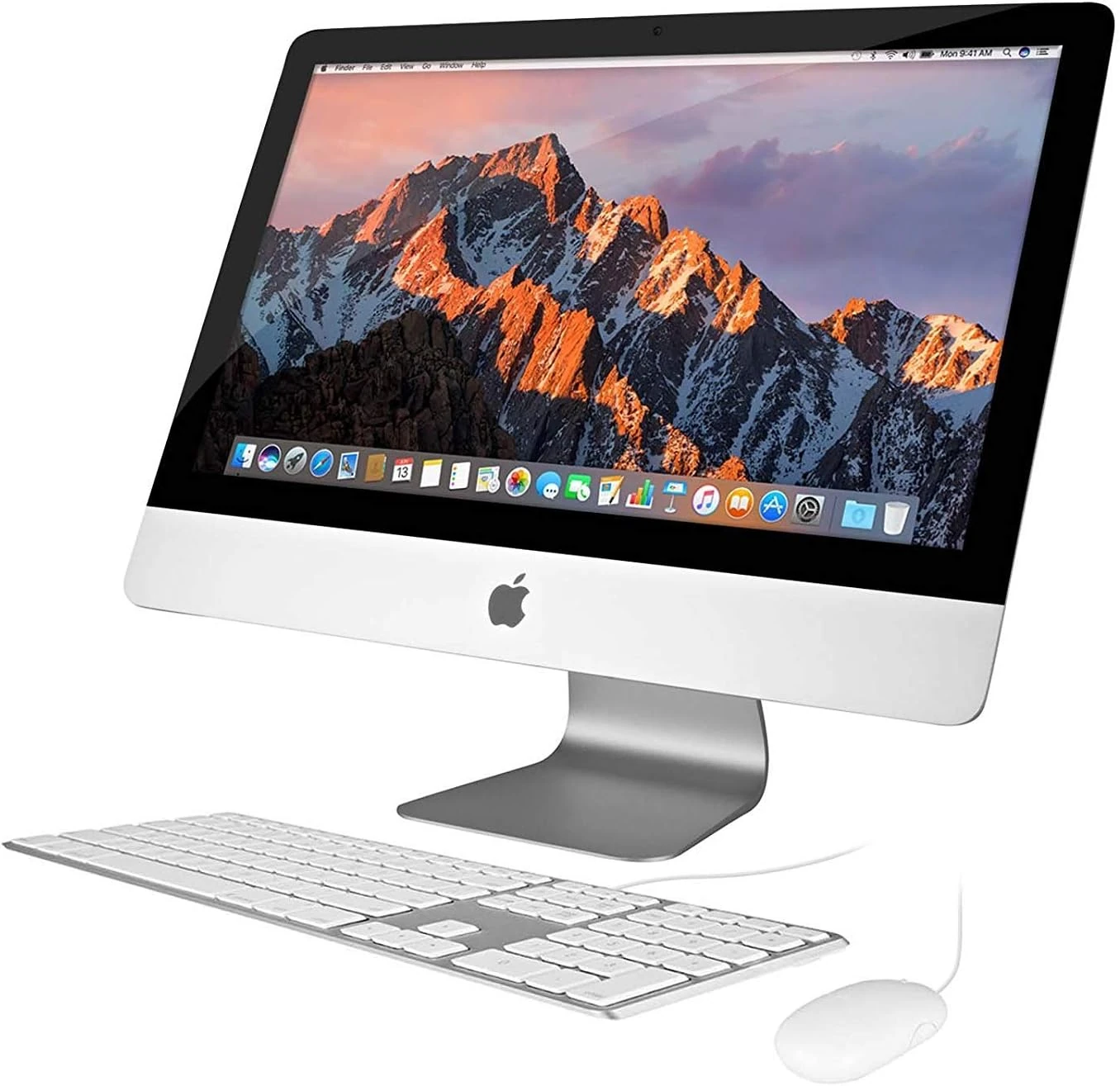
Apple iMac 21.5in 2.7GHz Core i5
Key highlights- CPU Model: Core i5
- CPU Speed: 2.7 GHz
- Memory: 8GB
- Storage: 256GB Solid State Drive
The Apple iMac 21.5-inch (Renewed) provides a macOS alternative with a faster Core i5 processor and similar memory, though with half the storage capacity. It targets users who prefer Apple's ecosystem and are open to purchasing a refurbished device at a comparable price.
Learn More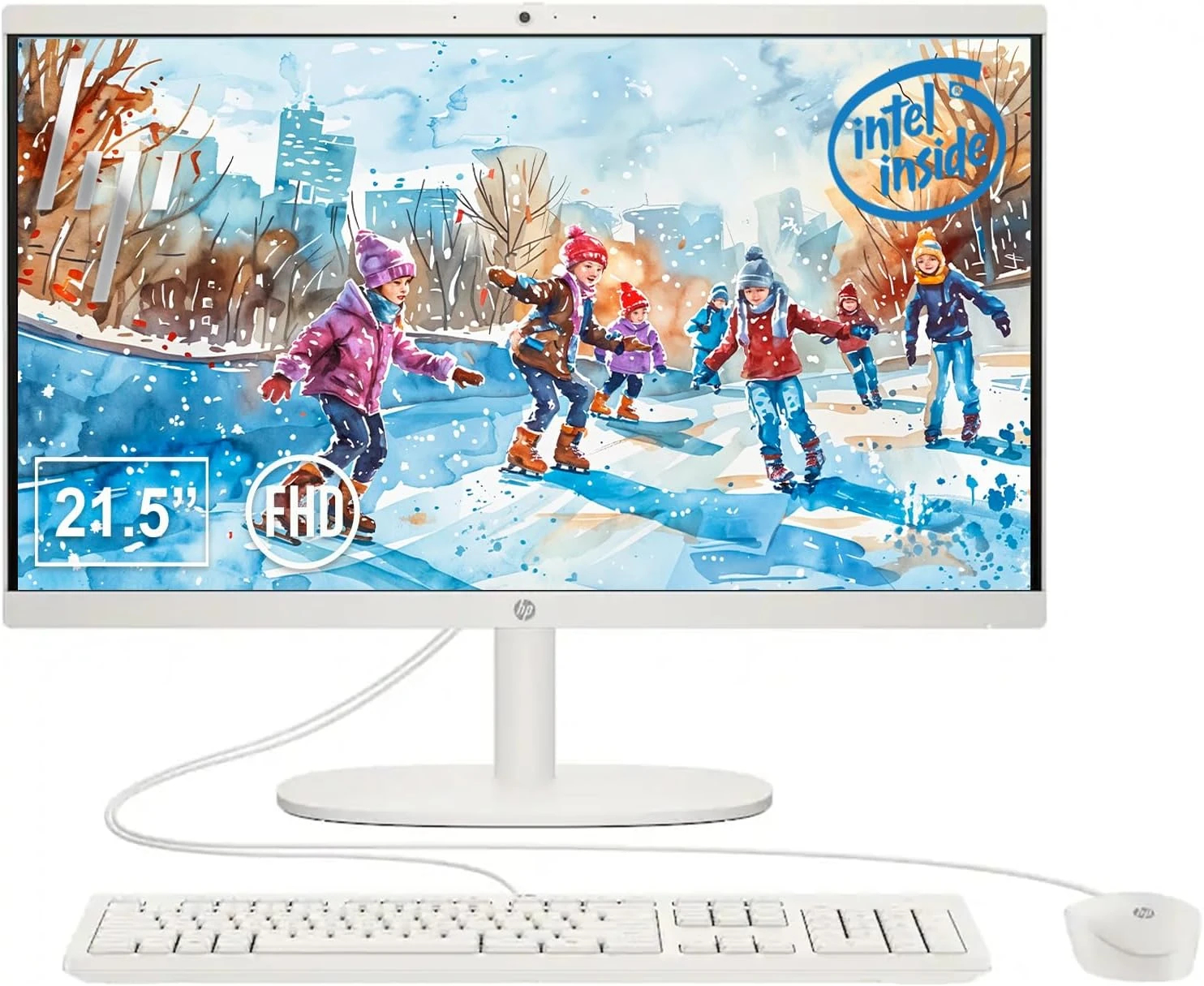
HP 22″ All-in-One Desktop Computer
Key highlights- CPU Model: Others
- CPU Speed: 1 GHz
- Memory: 8GB DDR5 RAM
- Storage: 128GB UFS Storage
The HP 22″ All-in-One Desktop Computer offers a smaller display and less storage, but features newer DDR5 memory. It is positioned for users who prioritize RAM speed over storage space and prefer a Windows environment.
Learn More
Frequently Asked Questions
How difficult is it to set up this Lenovo All-in-One desktop?
Most users report that the setup process is straightforward, with the system ready to use shortly after unboxing. Some mention the included instructions are basic, but setup can be completed quickly even by those with limited technical experience.
Is this desktop suitable for running demanding software or games?
The system is best suited for everyday computing such as web browsing, office applications, and media streaming. Its hardware is not designed for gaming or heavy professional software, and users seeking high performance should consider alternatives.
Final Recommendation
This all-in-one desktop delivers exactly what most home and office users need — reliable everyday computing in a space-efficient package.
The trade-off comes with limited processing power and awkward USB port placement that may frustrate power users.
Overall, it represents a balanced choice for budget-sensitive buyers prioritizing convenience and simplicity.