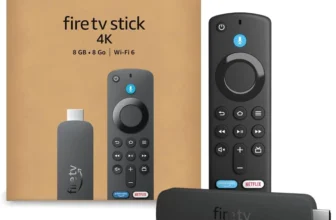
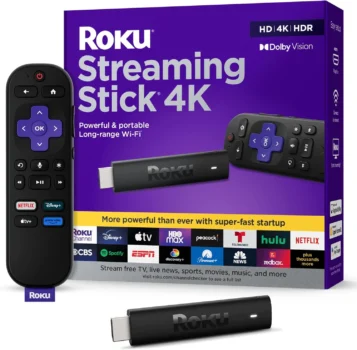
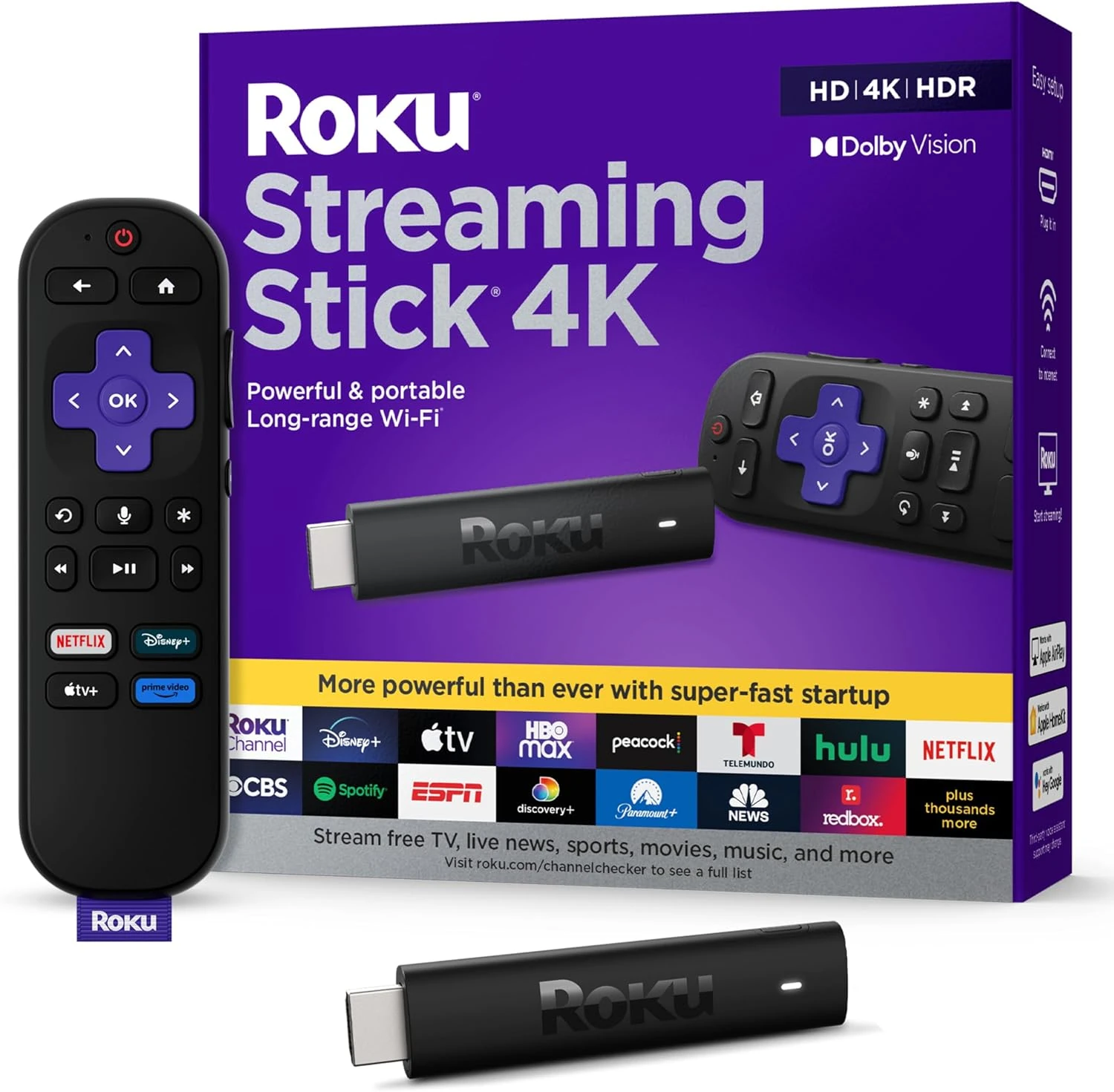
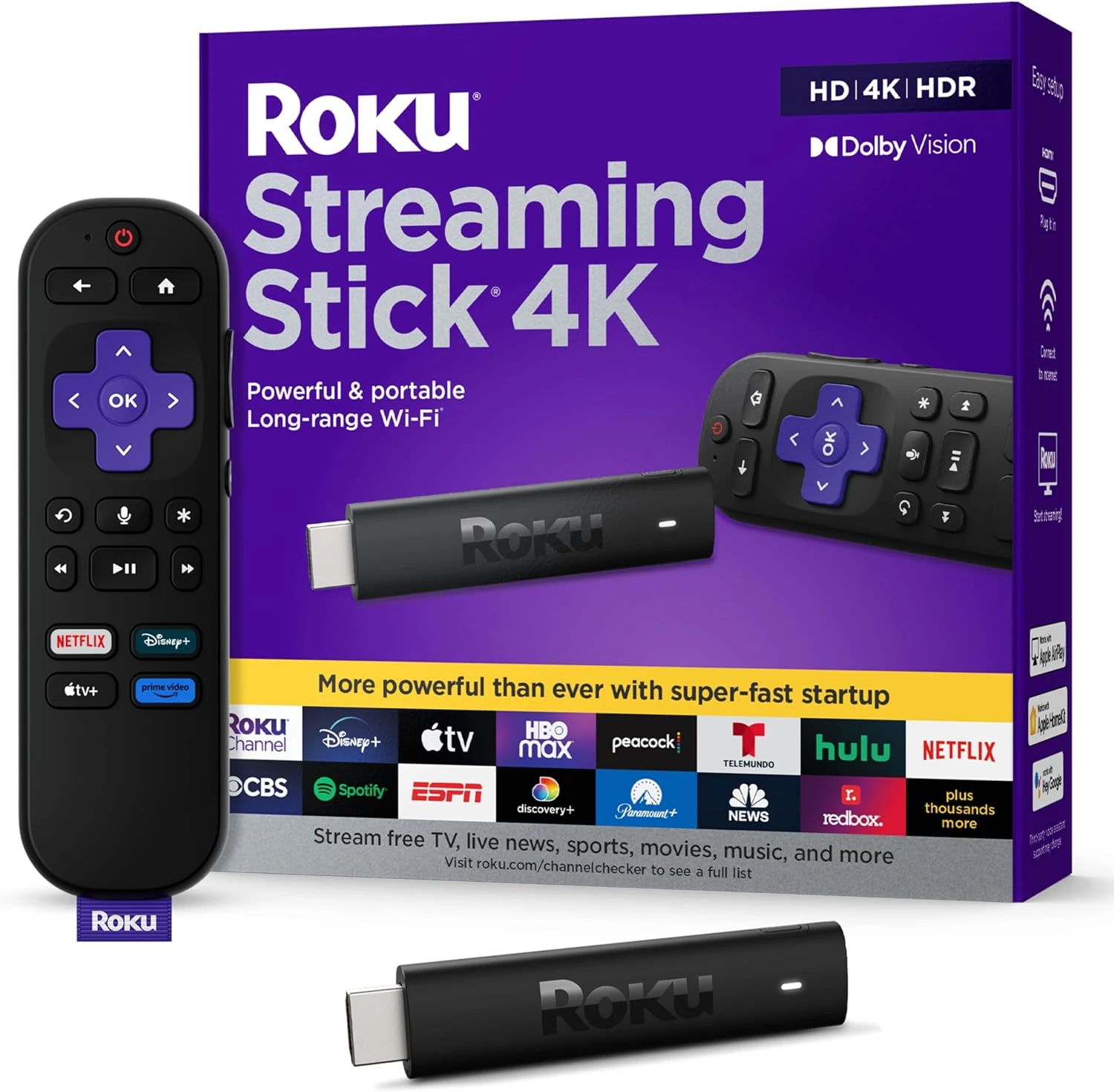
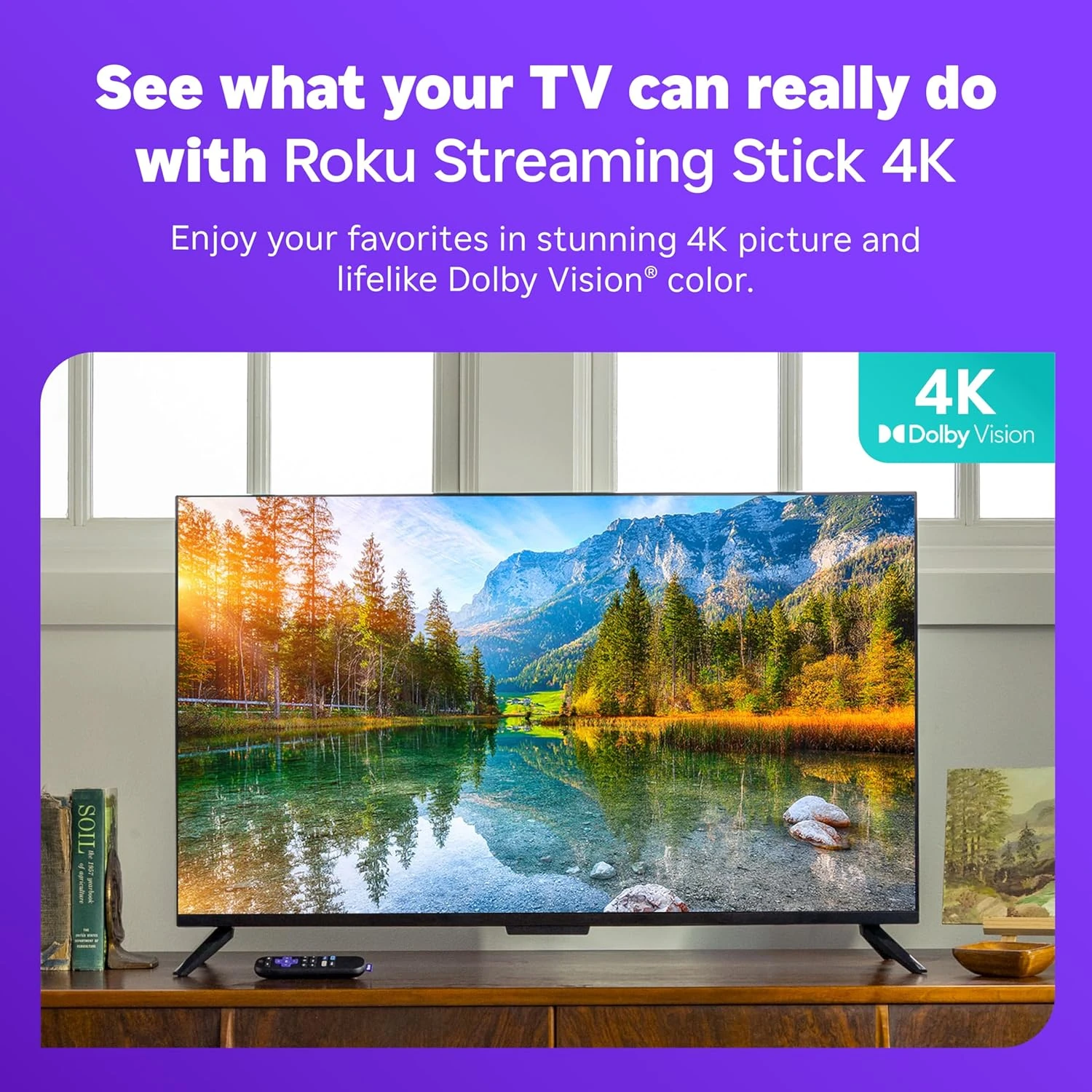
Supports 4K UHD streaming with Dolby Vision and HDR10+.
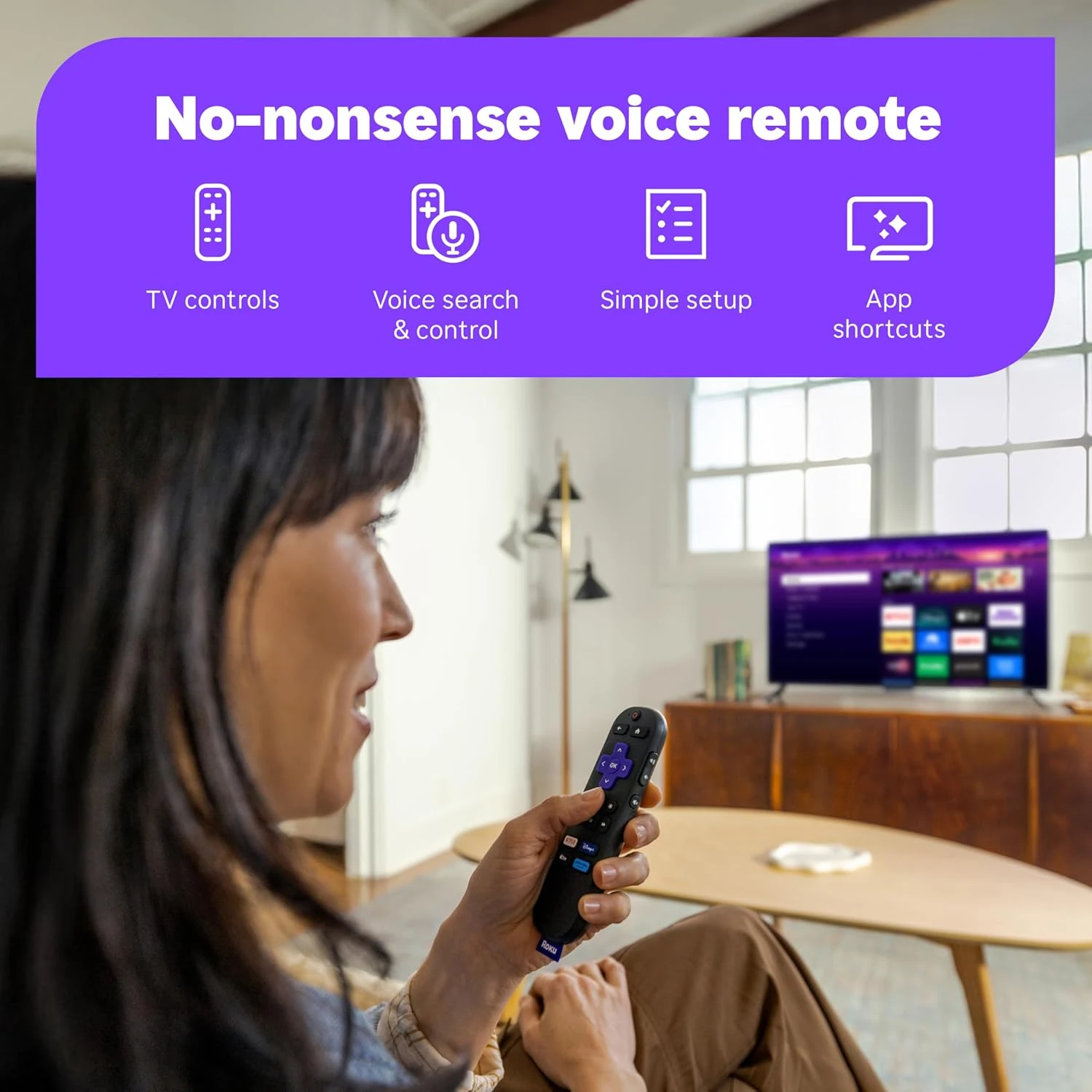
Includes a voice-enabled remote for intuitive control.
Easy plug-and-play setup with Wi-Fi connectivity.
Should You Buy This Product?
✅ Buy it if:
- you want to upgrade an older TV to 4K streaming without technical hassle
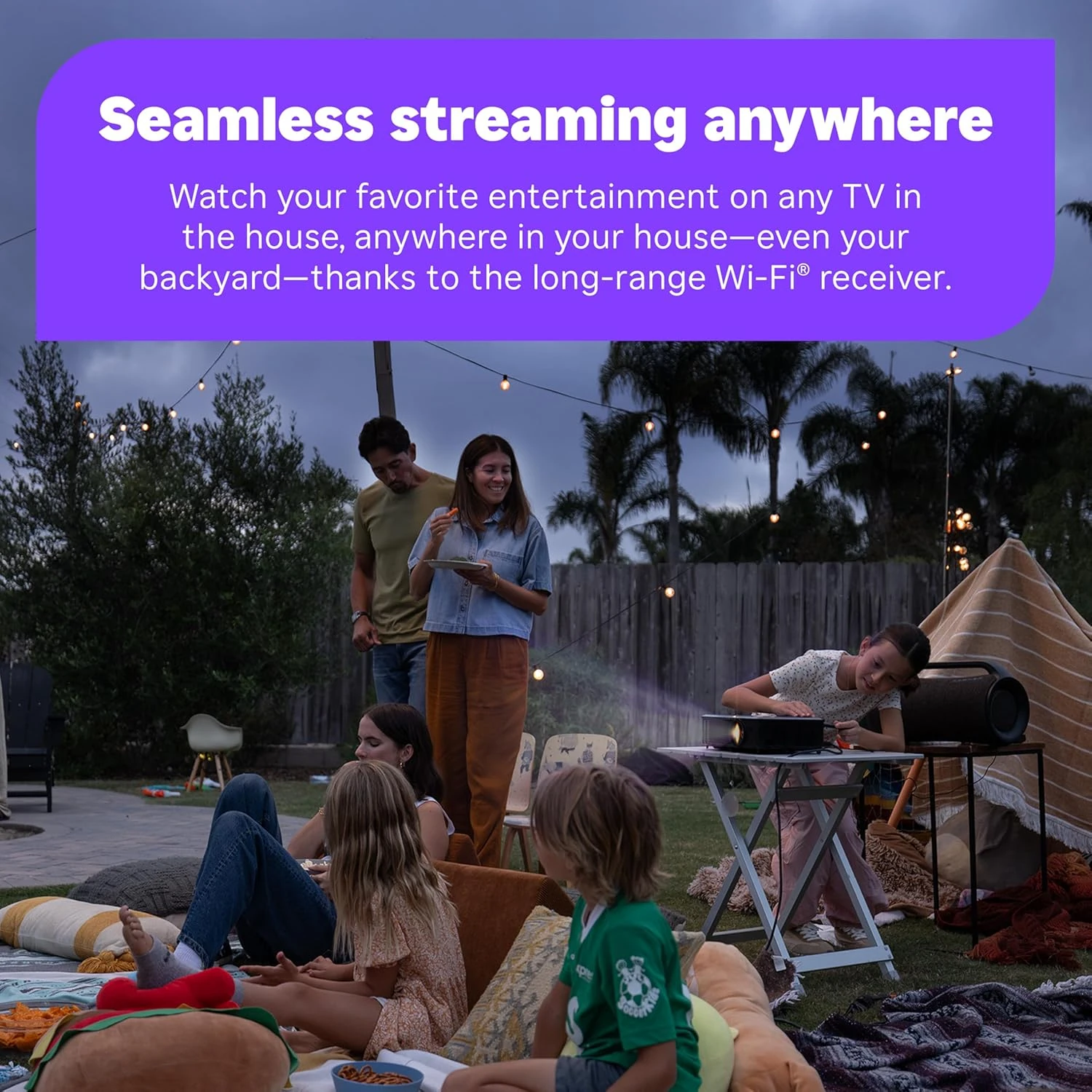
- you need a portable streaming solution for travel or multiple rooms
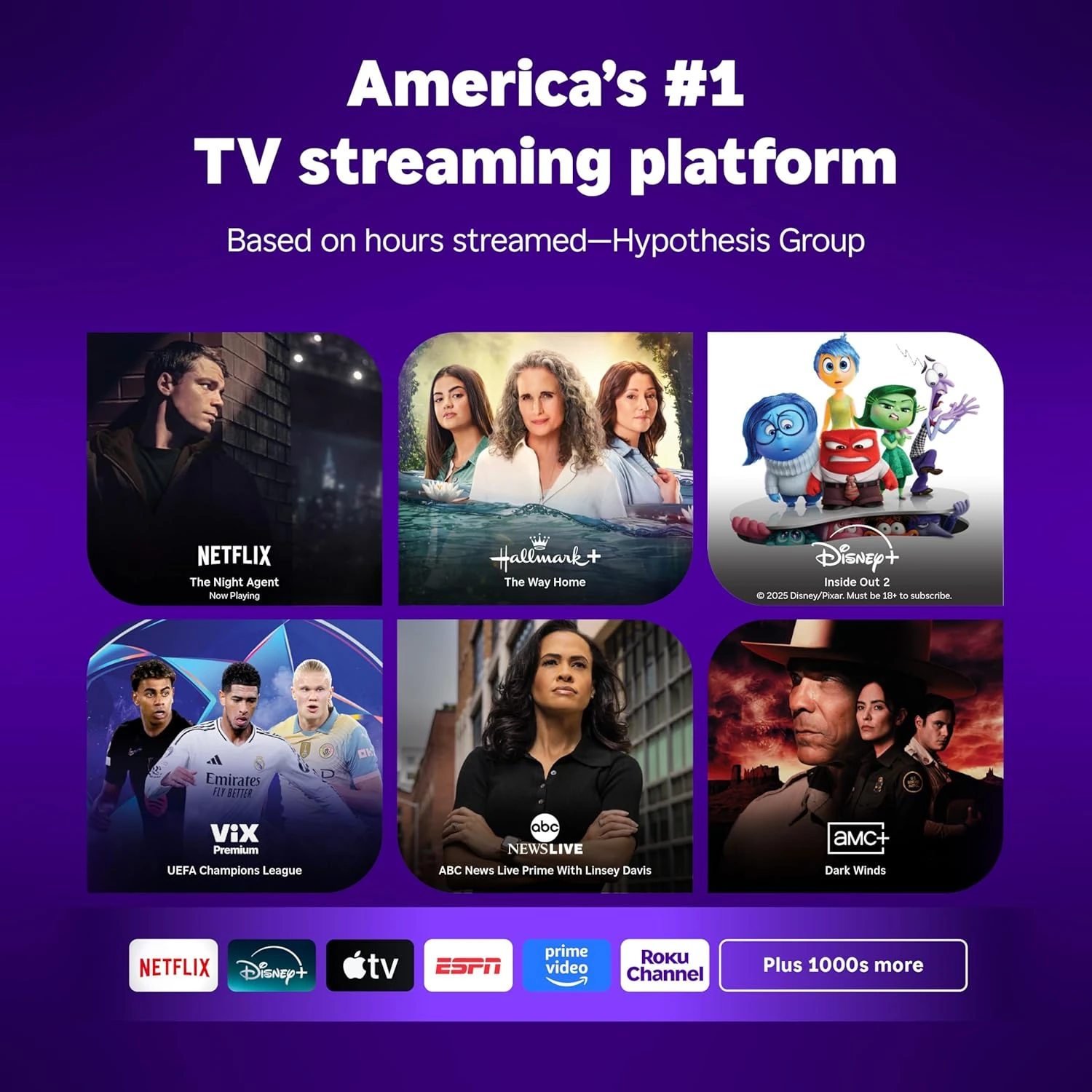
- you want access to all major streaming services in one simple device
🚫 Avoid it if:
- you prefer ad-free interfaces and highly customizable streaming experiences
- you need wired Ethernet connection or Bluetooth audio output capabilities
- you require advanced smart home integration or professional AV features
Bottom Line
Perfect for mainstream users wanting hassle-free 4K streaming with wide app compatibility and reliable performance. Skip it if you need advanced connectivity options or prefer ad-free interfaces.
What We Love & What to Watch Out For
- Setup takes minutes — just plug in and start streaming without technical configuration
- Delivers crisp 4K HDR picture quality that rivals more expensive streaming devices
- Works seamlessly with virtually every major streaming service and TV brand
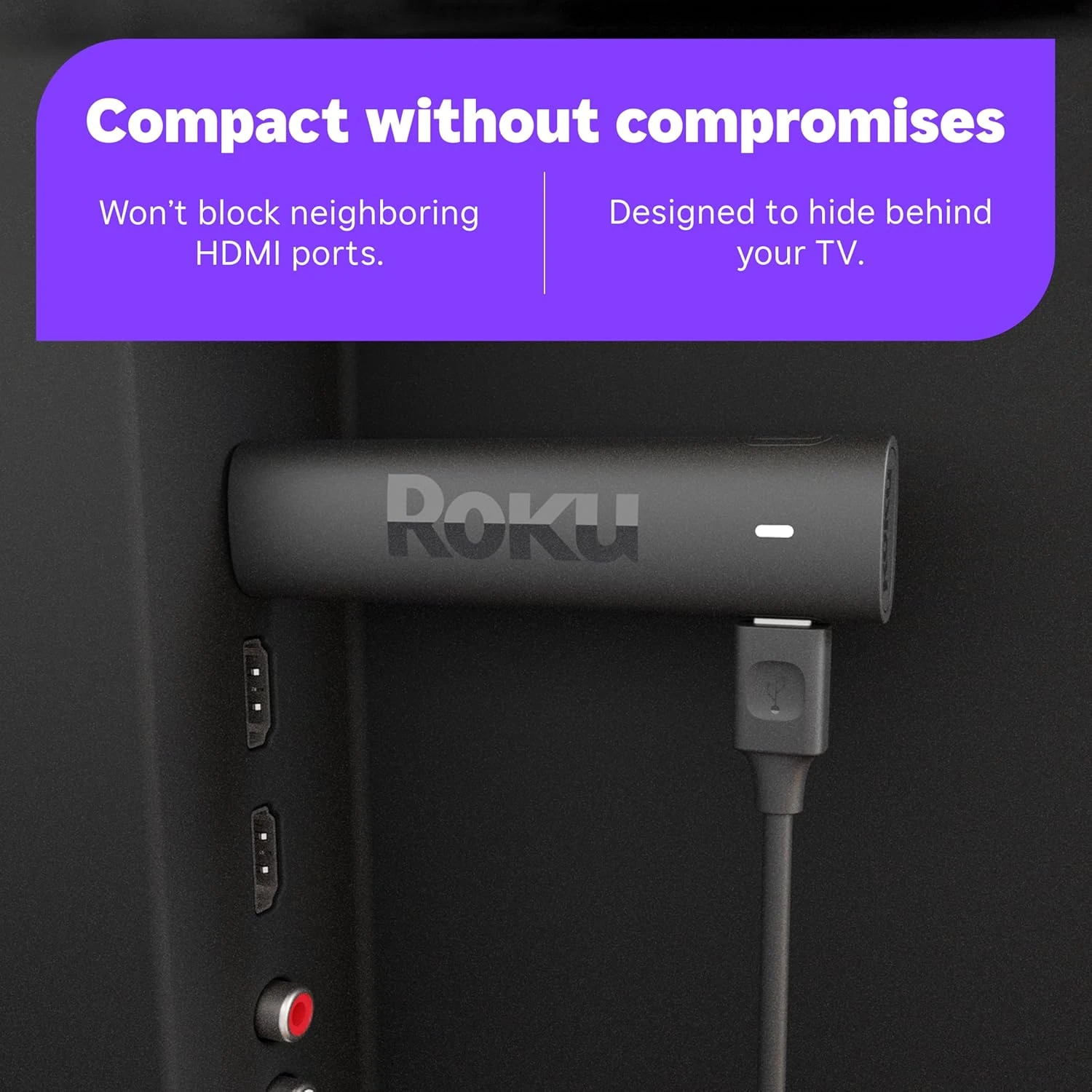
- Disappears behind your TV — no visible clutter or additional shelf space needed
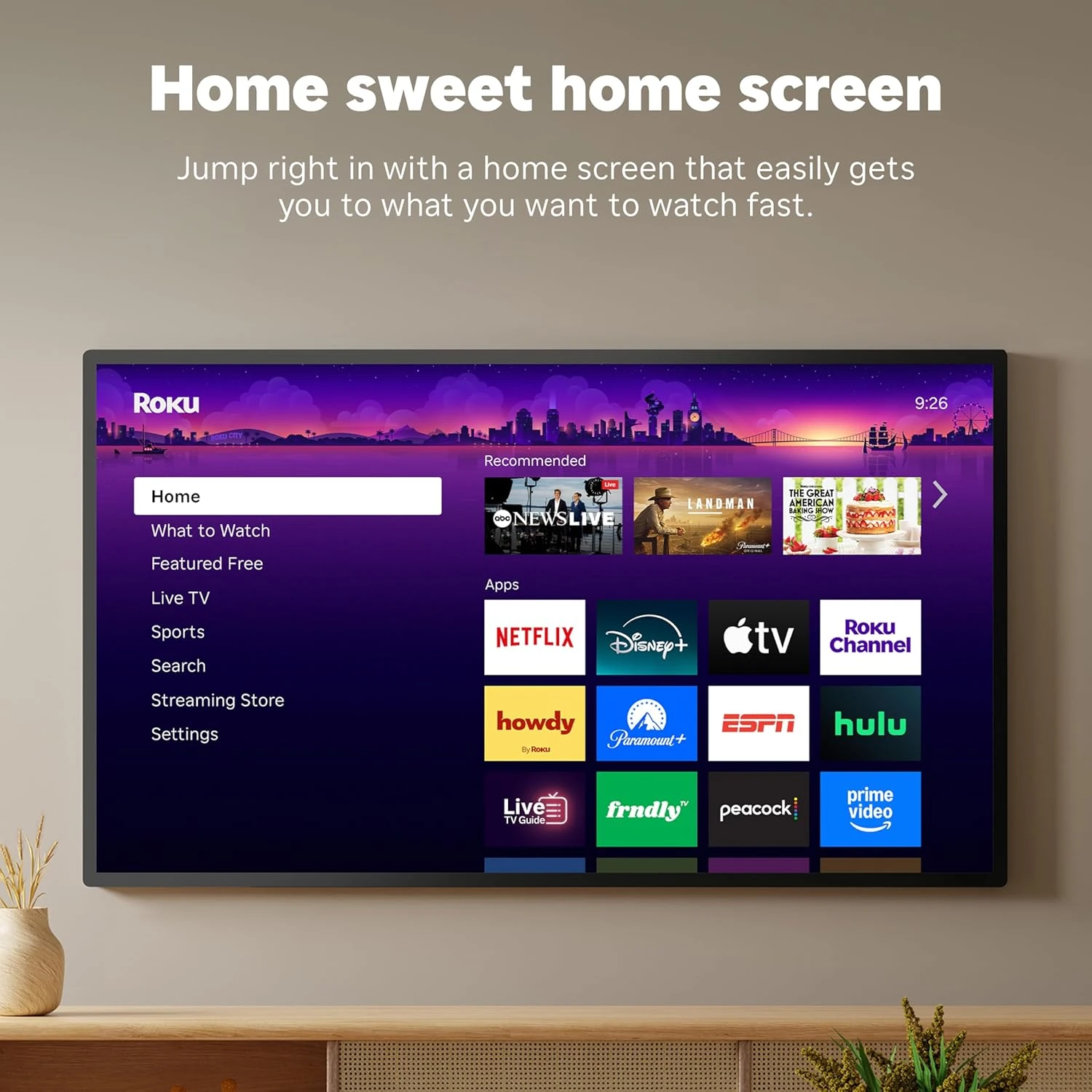
- Home screen displays ads and app suggestions that can feel cluttered during navigation
- Voice remote drains batteries quicker than expected — keep spares handy
- Occasional HDMI handshake issues may require unplugging and reconnecting
- Wi-Fi only connection means performance depends entirely on your wireless signal strength
One of the most reliable 4K streaming devices under $50 — especially compared to smart TV built-in apps that often lag or lack updates.
How People Actually Use It
Transform your 10-year-old bedroom TV into a 4K streaming powerhouse — plug it in, connect to Wi-Fi, and access Netflix, Disney+, and HBO Max in minutes
Pack it for business trips — hotel TVs instantly become your personal entertainment center with all your streaming accounts ready to go
Add streaming to your kitchen or office TV without running cables or mounting additional boxes — the stick stays hidden behind the screen
Editor Score
Use-case Fit — How well this product matches its intended use case and target user.
Market Satisfaction — Based on aggregated customer ratings and review sentiment on Amazon.
Market Momentum — Reflects recent sales trend via BSR (Best Seller Rank). See the chart below.
Market Rank Trend (BSR)
Product Gallery


Specifications Overview
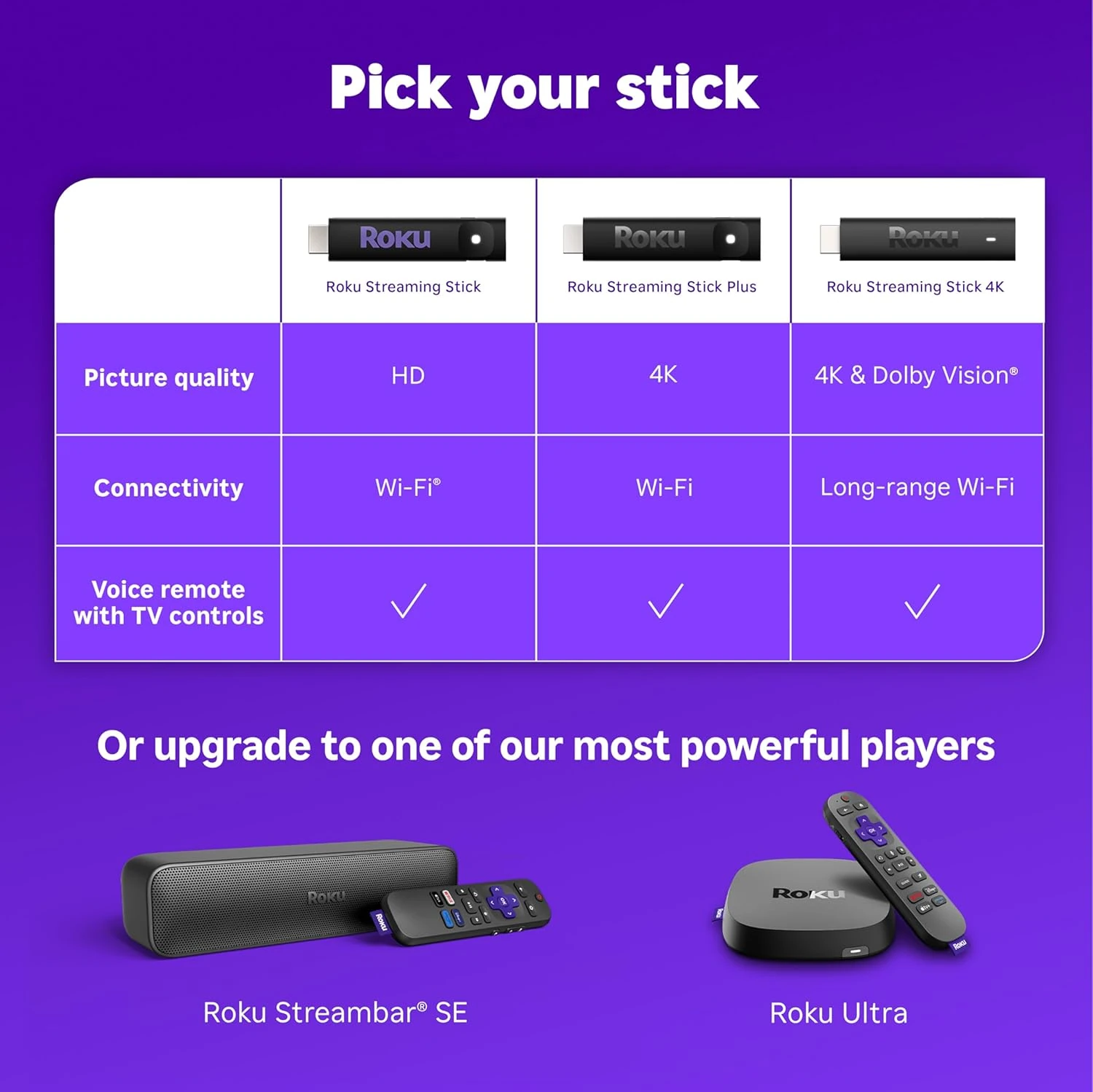
- Connectivity: Wi-Fi
- Resolution: 4k
- RAM: 1 GB
- Storage: 16 GB
- Dimensions: 3.7″L x 0.8″W x 0.45″H
- Weight: 0.9 Ounces
- Video Output Resolution: 4K UHD (up to 2160p at 60fps)
- Special Features: Dolby Vision, TV Control
- Compatible Devices: Television
Price Comparison
When comparing streaming devices, consider the balance of features, performance, and price to find the best fit for typical home entertainment setups.
Amazon
Price: $40.99
Free shipping with Prime. Easy returns within 30 days. Secure payment options.
CHECK THE LATEST PRICE ON AMAZONNot Sure? Consider These Instead
Alternative streaming devices offer a range of advanced features, performance enhancements, or different form factors to suit specific needs beyond the standard stick-style streamer.
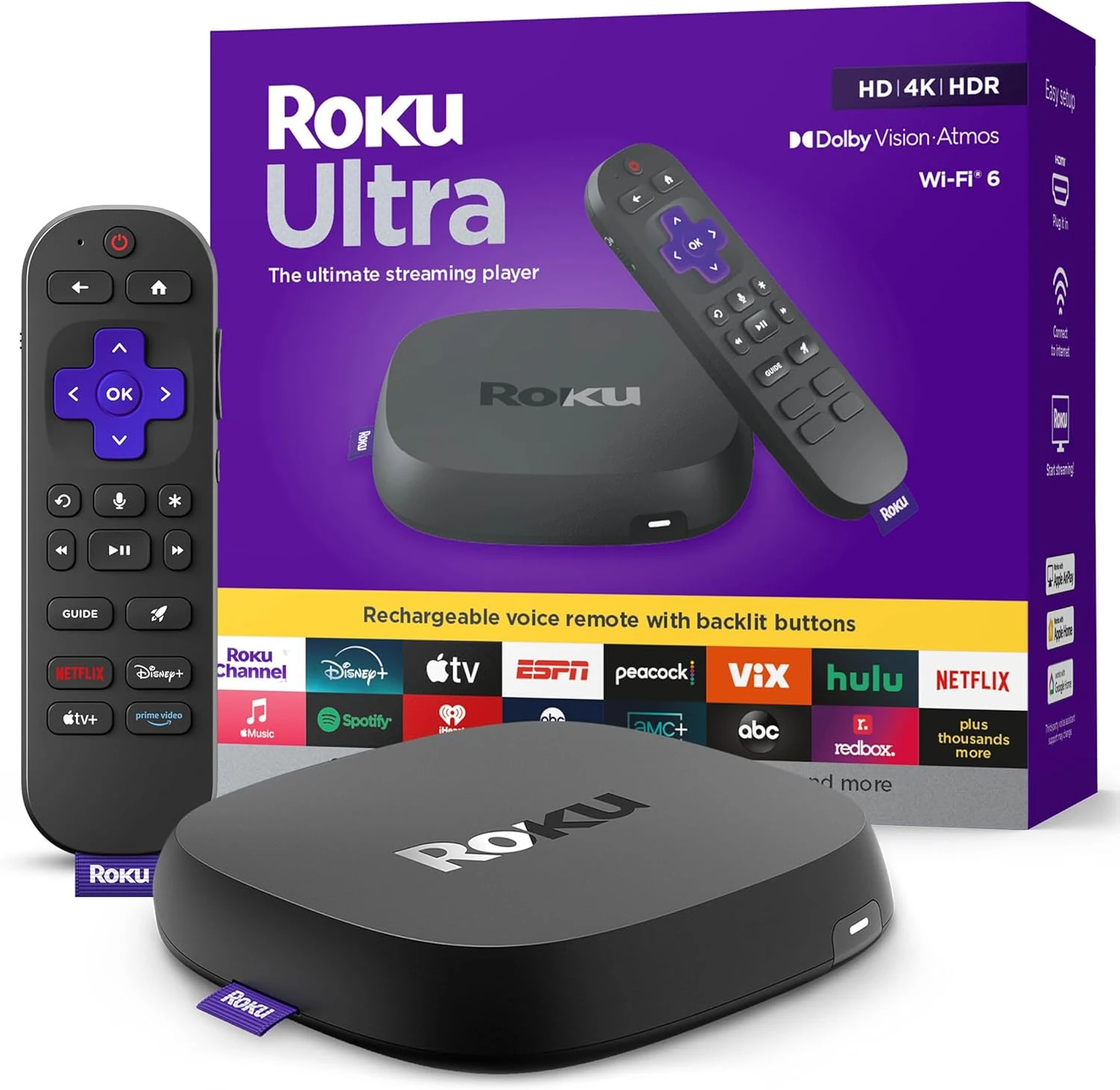
Roku Ultra
Key highlights- 30% faster streaming speed than other Roku players
- Supports 4K, HDR10+, and Dolby Vision with Dolby Atmos audio
- Rechargeable voice remote with backlit buttons
- Wi-Fi 6 and Bluetooth connectivity
The Roku Ultra is positioned as a higher-end alternative to the Streaming Stick 4K, offering faster performance, enhanced audio-visual features, and a premium rechargeable remote. It is better suited for users who need advanced connectivity, faster app loading, or a more feature-rich remote experience.
Learn More

Frequently Asked Questions
Does the Roku Streaming Stick 4K require a separate power adapter?
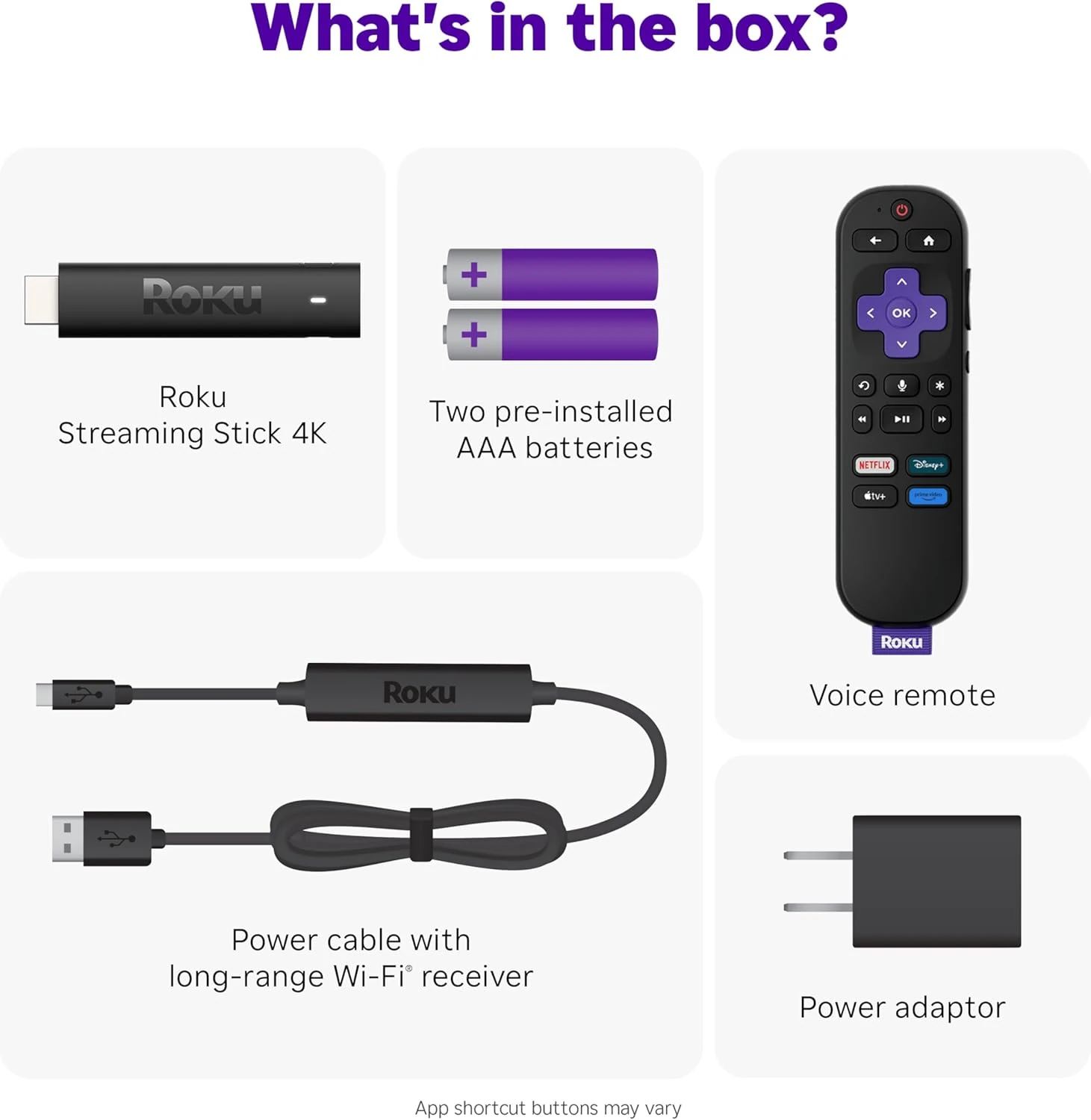
The device can be powered through a TV's USB port if it supplies enough power, but a wall adapter is included and recommended for optimal performance and faster startup.
Can I use the Roku Streaming Stick 4K on multiple TVs or while traveling?
Yes, its compact design and simple setup make it easy to move between TVs or take on trips, provided each TV has an available HDMI port and Wi-Fi access.
How does the remote control integrate with TV functions?
The included remote can control TV power and volume on most compatible models, reducing the need for multiple remotes.
What should I do if I encounter HDCP errors or connectivity issues?
Ensure the HDMI connection is secure and the TV's firmware is up to date; using the included power adapter can also help resolve some compatibility issues.
Final Recommendation
The Roku Streaming Stick 4K successfully transforms any HDMI-equipped TV into a modern 4K streaming hub.
While the ad-supported interface and Wi-Fi-only connectivity have limitations, the overall performance and app compatibility deliver solid value.
For most households wanting straightforward 4K streaming without complexity, this represents one of the most practical upgrades you can make.